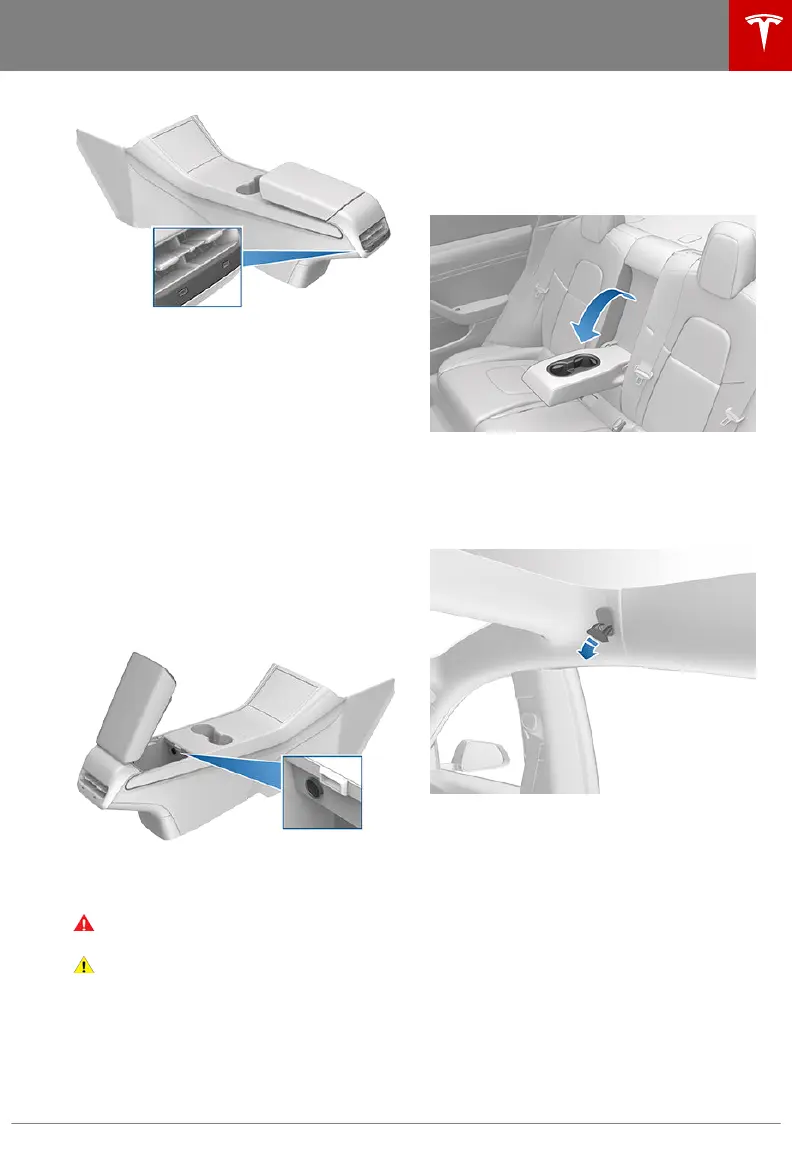
Note: Always use USB 2.0 compliant cables
when connecting devices to the USB ports.
Using non-compliant cables can result in
slower charging and, if plugged into either of
the front two ports, can result in potential
connection problems when trying to access
media
files on the device.
Note: Do not connect multiple devices using a
USB hub. This can prevent connected devices
from charging or from being recognized by
Media Player.
12V Power Socket
Your Model 3 has a power socket located in
the center console's rear compartment. Power
is available whenever the touchscreen is
powered on.
The power socket is suitable for accessories
requiring up to 12A continuous draw (16A
peak).
Warning:
The power socket and an
accessory’s connector can become hot.
Caution: Do not attempt to jump start
Model 3 using the 12V power socket.
Doing so can result in damage.
Rear Console
Your Model 3 has a rear console integrated in
the center of the rear seat back. Pull the
console down to access the rear cup holders,
or use it as an armrest.
Coat Hangers
Your Model 3 has a coat hanger on each side
of the vehicle in the rear row. Push the coat
hanger to release it. Push it again to retract it.
Additional Interior Storage Areas
Your Model 3 has these additional storage
areas:
• Storage compartments are located below
the armrest on the door panels.
• If equipped with the premium package,
storage pockets are located at the back of
the front seats.
Interior Storage and Electronics
Opening and Closing 17



 To Next Page