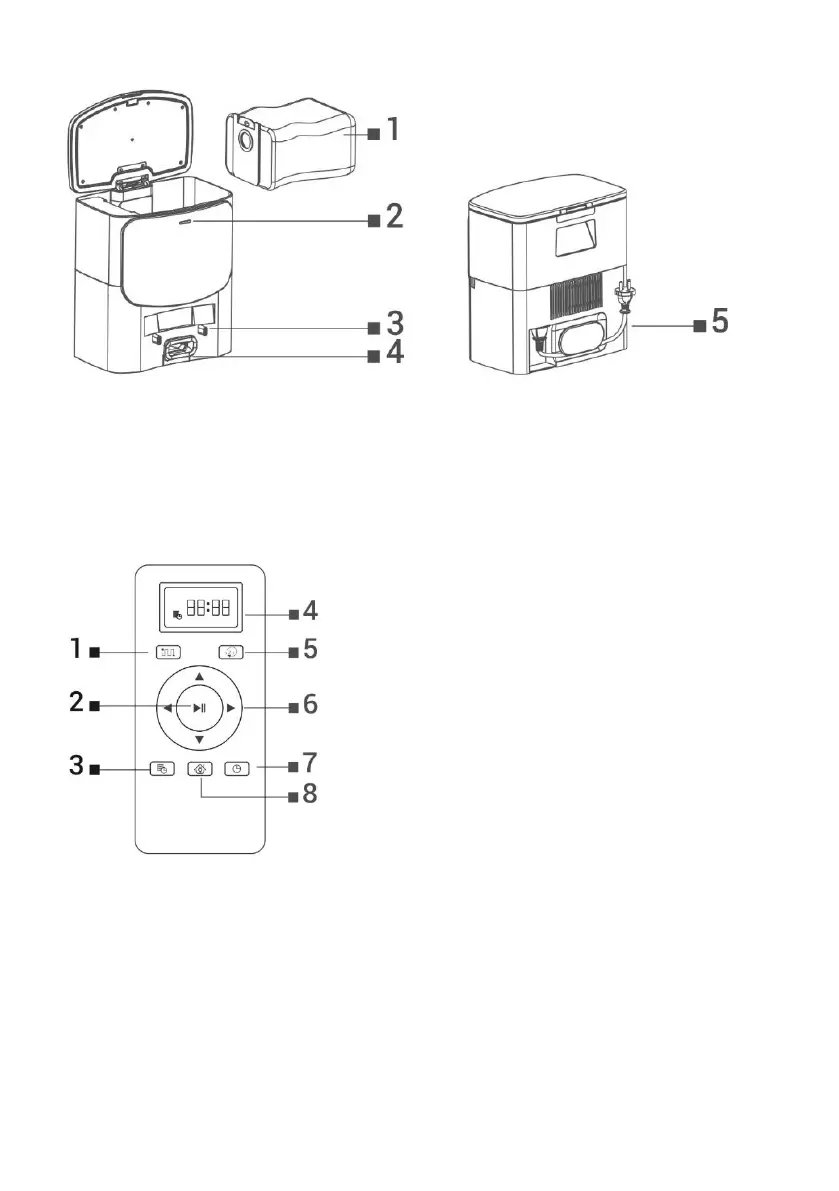
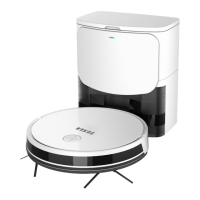
CHARGING STATION
Hole for emptying the dust container of the vacuum cleaner
Power connection indicator
Charging connectors for the
vacuum cleaner
REMOTE CONTROL
SMART (intelligent) cleaning
Changing the cleaning mode
Return to the charging station
BEFORE FIRST CLEANING
Insert the batteries into the remote control, making sure to observe the correct polarity.
Install the side cleaning brushes, left and right.
Remove the two foam stops located on the side of the robotic vacuum cleaner bumper.
Before starting cleaning, prepare the room so that there are no objects left on the floor that could
hinder the operation of the robotic vacuum cleaner (larger papers, cables, stickers, small objects,
inappropriately placed carpet, etc.). Move chairs and other larger objects away so that the robotic
vacuum cleaner can easily reach hard-to-reach places.
Also remove objects that can damage the operation of the robotic vacuum cleaner.
Direct sunlight can cause reduced sensitivity of the robot vacuum cleaner's infrared sensors,



 To Next Page