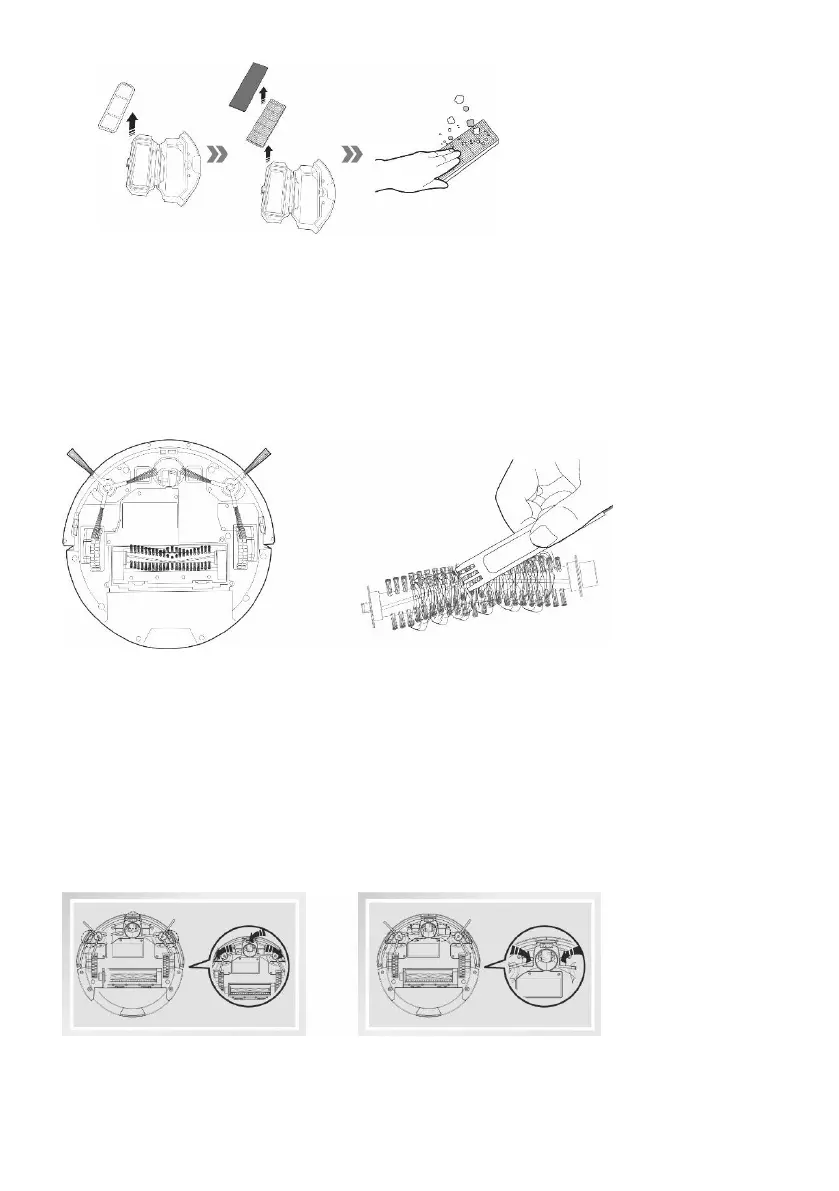
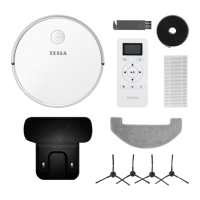
Water tank and mopping fabric cloth
remove the water tank from the vacuum cleaner, pour the remaining water and let it dry
rinse and dry the mopping fabric
Center cleaning brush and side cleaning brushes
Keep a central cleaning brush without a lot of hair, dust, cotton etc.
Check at least once a week both side brushes together with the air intake and remove the worn hair
and other dirt. Remove the side cleaning brush from the vacuum cleaner by unscrewing the
crosshead screw.
Anti-bumper sensors
Keep the sensor on bottom side clean to prevent damage to the vacuum cleaner.
Keep the nose wheel without hair and dust. Remove the nose wheel from the vacuum cleaner and
clean the rotary wheel sensor located underneath it.
Keep clean the front bumper underneath the sensor for detecting objects.



 To Next Page