www.teslica.com
11
4.1 POWER ASSIST PAS SYSTEM
The Peddle Assist System is designed
to deliver power by means of an
electric motor to assist you while you
are pedalling. As you pedal, a sensor
recognizes that moment and the motor
will automatically power up at a preset
level. This generally will allow you to go
further and faster on a typical ride.
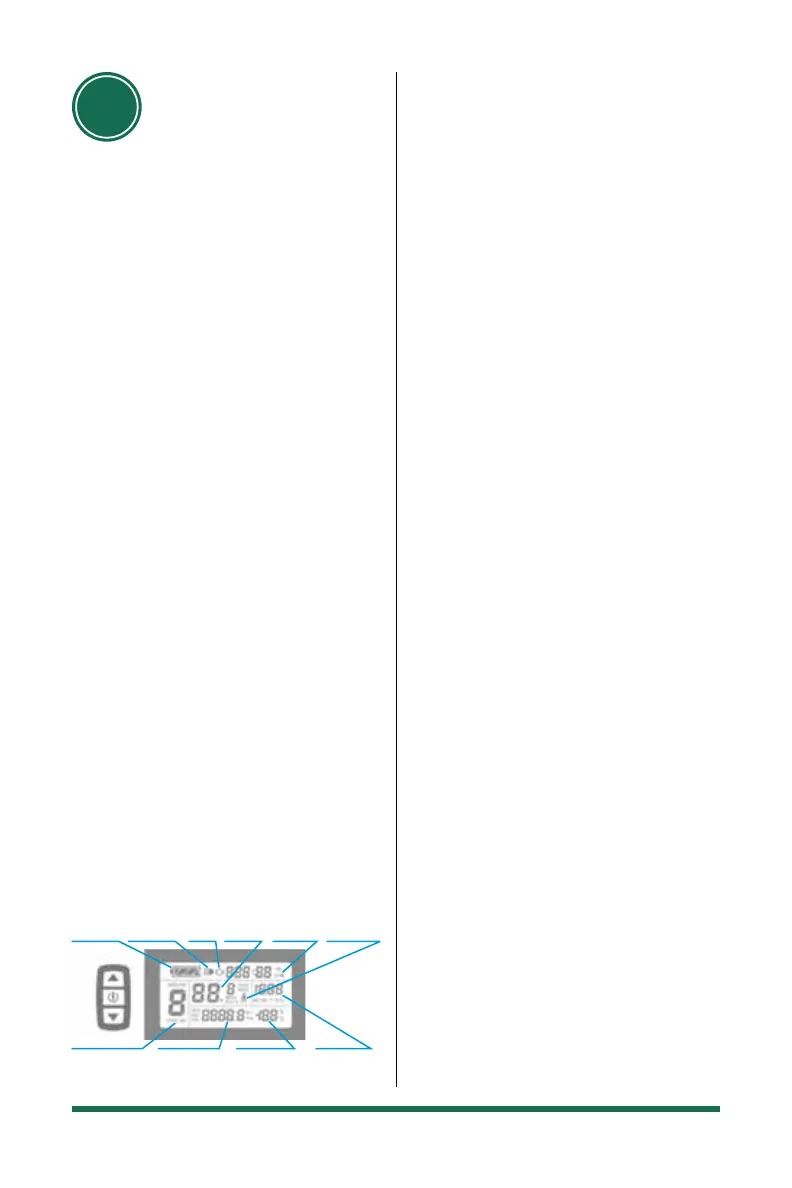
4.2 OPERATION OF YOUR DISPLAY
There are 5 power assist levels, 1 being
the lowest and 5 being the highest and
the max speed is 32km/h. Use the thumb
3 button controller to navigate on the
LCD screen. Hold the Power button for
3 seconds to power up the LCD screen.
The same process will turn power off. Use
the Up and Down buttons to control
the power assist level 1-5. To turn on
the LED headlight, hold the Up button
for 5 seconds. The same process will turn
power off. If there is no use for 5 minutes
the system will automatically shut down
to conserve power. You can operate the
bike on level 0 which is no assist but the
system will still track your distance, time
and speed. See KT3 – LCD manual for
more functions and info or go online.
04
OPERATION +
ADJUSTMENT
4.3 BATTERY AND CHARGING
The battery comes charged from the factory
however, it is not fully charged even if the
display reads a full charge. The battery
should be charged prior to rst use. Please
use the dedicated charger otherwise it could
lead to battery damage and or re. No
warranty will be provided for battery issues
as a result of neglect and misuse.
1. The battery may be charged on the bike
or removed
2. Battery removal – Use supplied key and
turn 90 degrees counter clockwise, then
pull up at top end of battery.
3. Verify the outlet power supplied voltage
is between 110-220 Volts
4. Note: Always plug the charger into the
outlet power supply rst, then into the
battery
5. The power indicator on the charger will
be red and once fully charged it will turn
green
6. Charging will take 5-6 hours. When
complete, disconnect the charger from
the battery, then unplug from the outlet
power supply
7. Note: A new bike may take as long as 9
hours for the rst deep charge
The battery should be charged in a cool,
spacious, ventilated environment. High
humidity may cause corrosion and high
temperatures may cause smoke or re.
Do not over charge the battery as it may
shorten its life expectancy.
When the battery is to be stored for a
period of time, discharge to about 50-60%
and keep it in a cool, dry place. You should
charge it for 30 minutes every 30 days.
Power Assist
Ration Gear &
Cruise Function
Battery
Capacity
Indicator
Backlights
& Headlight
Status
Brake
Status
Vehicle
Speed
Display
Running
Counter
6km/H Power
Assist Push
Function
Motor
Operation
Power
Environment
Temperature
Trip Distance
or Real-time
Battery Voltage
Enlarged
on page 14


 To Next Page
 Loading...