11
6. Initial Operation
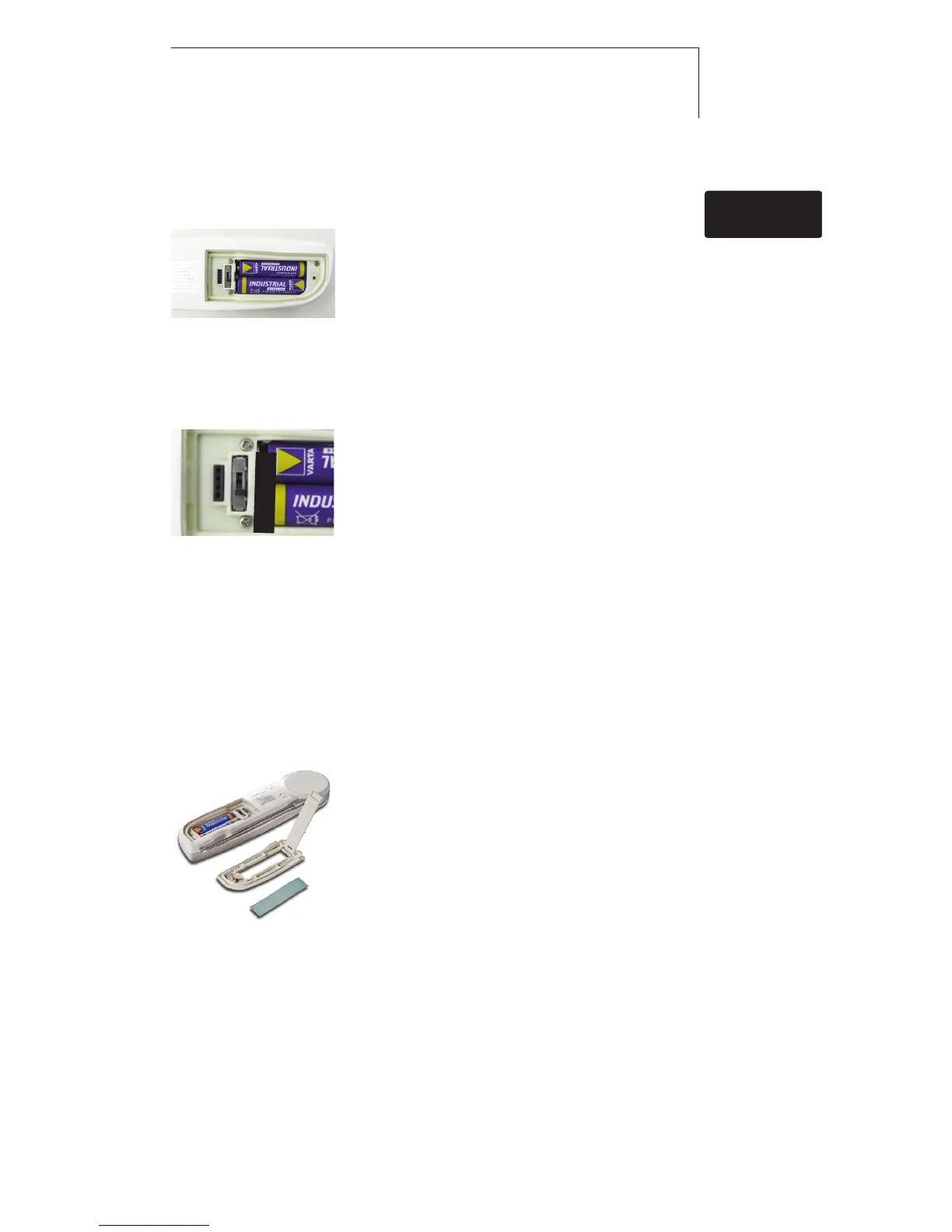
6.1 Inserting batteries
1 Loosen the screw on the battery
compartment.
2 Open the battery compartment.
3 Insert batteries (2x AAA).
Observe the polarity!
4 Close the battery compartment.
5 Tighten the screw.
6.2 Configuring the unit
1 Loosen the screw on the battery
compartment.
2 Open the battery compartment.
3 Set the switch (e.g. using a sharp
instrument) to the desired temperature
unit (°C/°F/°R).
4 Close the battery compartment.
5 Tighten the screw.
6.3 Labelling the instrument
The testo 104 can be labelled using coloured foils. The coloured
label can be used, for example, to allocate the instrument to a
particular processing stage or employee.
1 Open the battery compartment.
2 Open the flap on the inside of the
battery compartment.
3 Stick the coloured foil onto the flap.
4 Close the flap.
5 Close the battery compartment.
de
6. Initial Operation
enfresitptsvnl????
°C/°F/°R



 To Next Page