8 Using the product
13
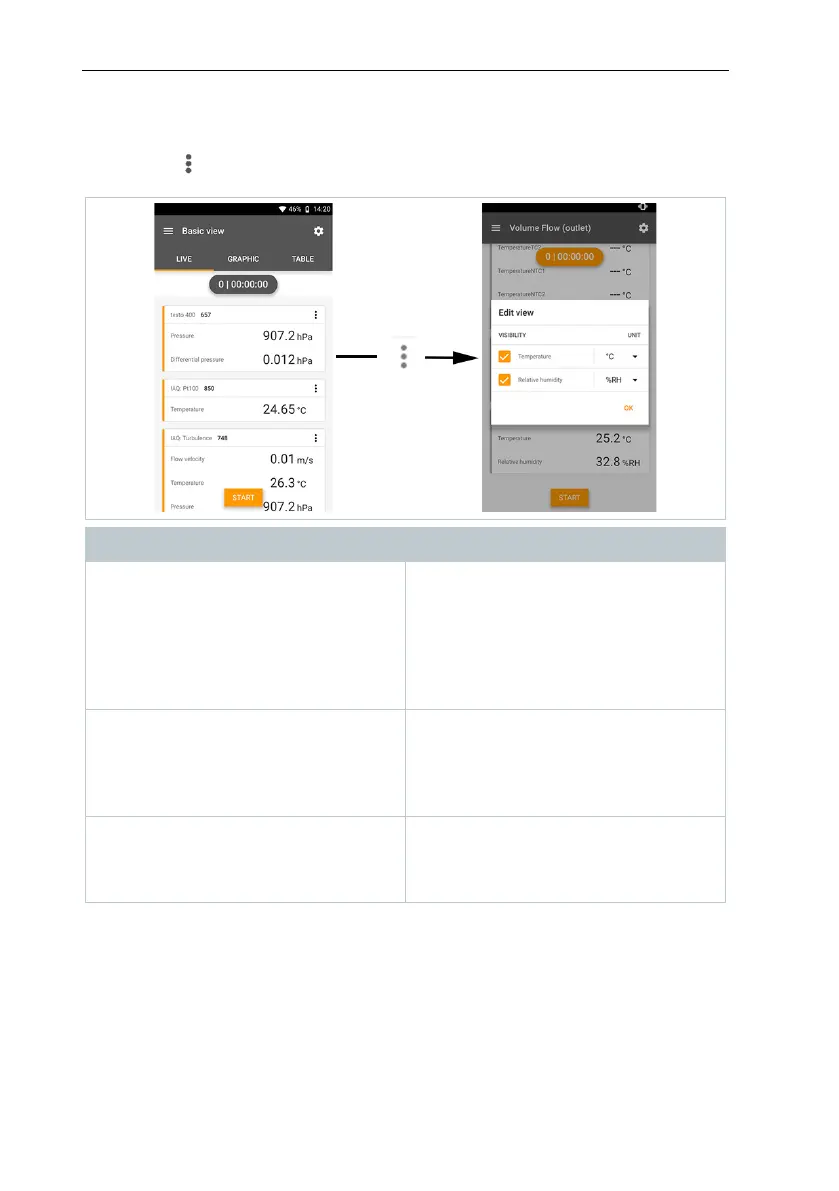
8.3 Overview – editing the reading display
( )
Menu Description
Edit view
The display can be edited for each
connected probe. The available
measurement parameters can be
selected and deselected and the unit
for each parameter can be adjusted.
These changes are saved for the next
Zero pressure sensor
Once the testo 400 has been brought
into the operating position for a
differential pressure measurement,
the sensor should be zeroed against
Adjusting Degree of Emission
If the testo 805i is connected, the
selection of emissivity appears here.
This can be set individually depending
on the measuring surface.



 To Next Page