9 Software
18
9.4 Using the product
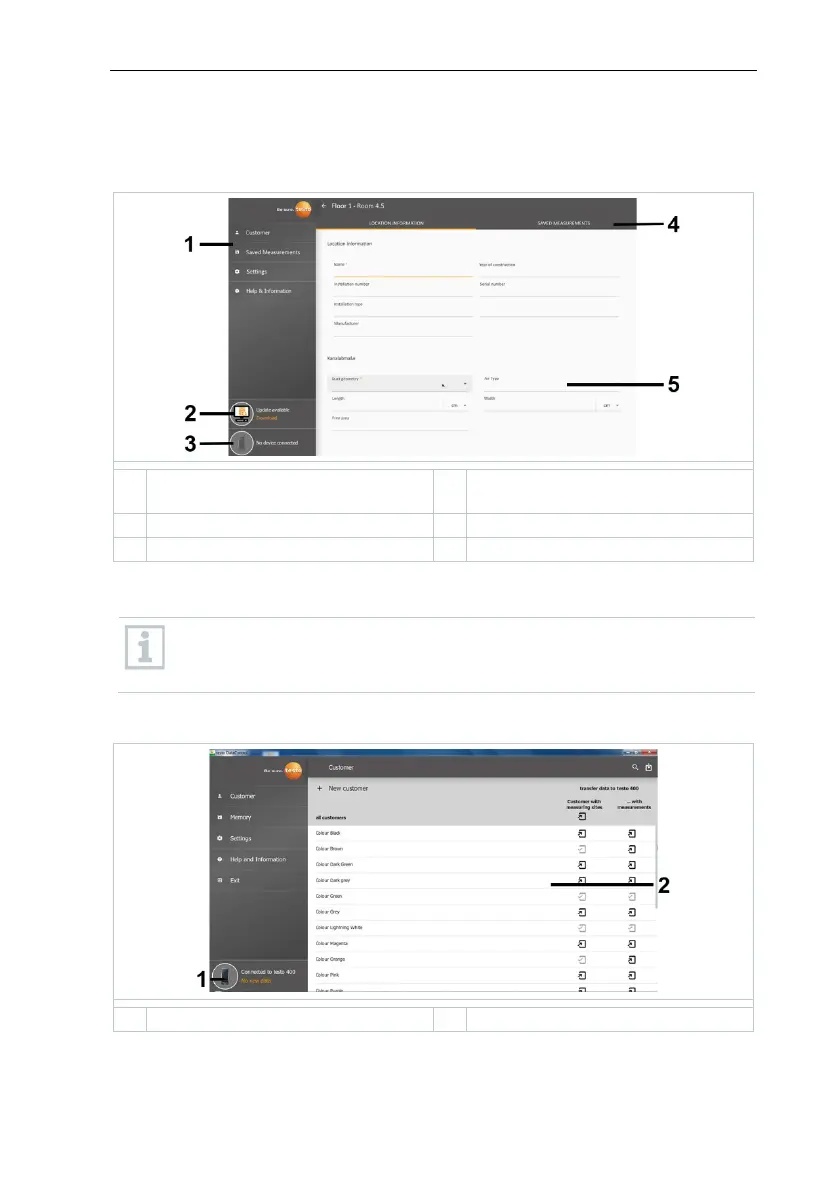
9.4.1 Overview
1 Main menu 3
Connection status of the
Operation of the software is based on the same functional principle as the
instrument firmware for the testo 400.
You will also find further information about testo DataControl in the
online instruction manual on the Testo website, www.testo,com, under
the product-specific download.
9.4.2 Synchronizing data
The data can be synchronized selectively per customer or as a whole across all
customers simultaneously.



 To Next Page