8 Controls via testo Smart App
19
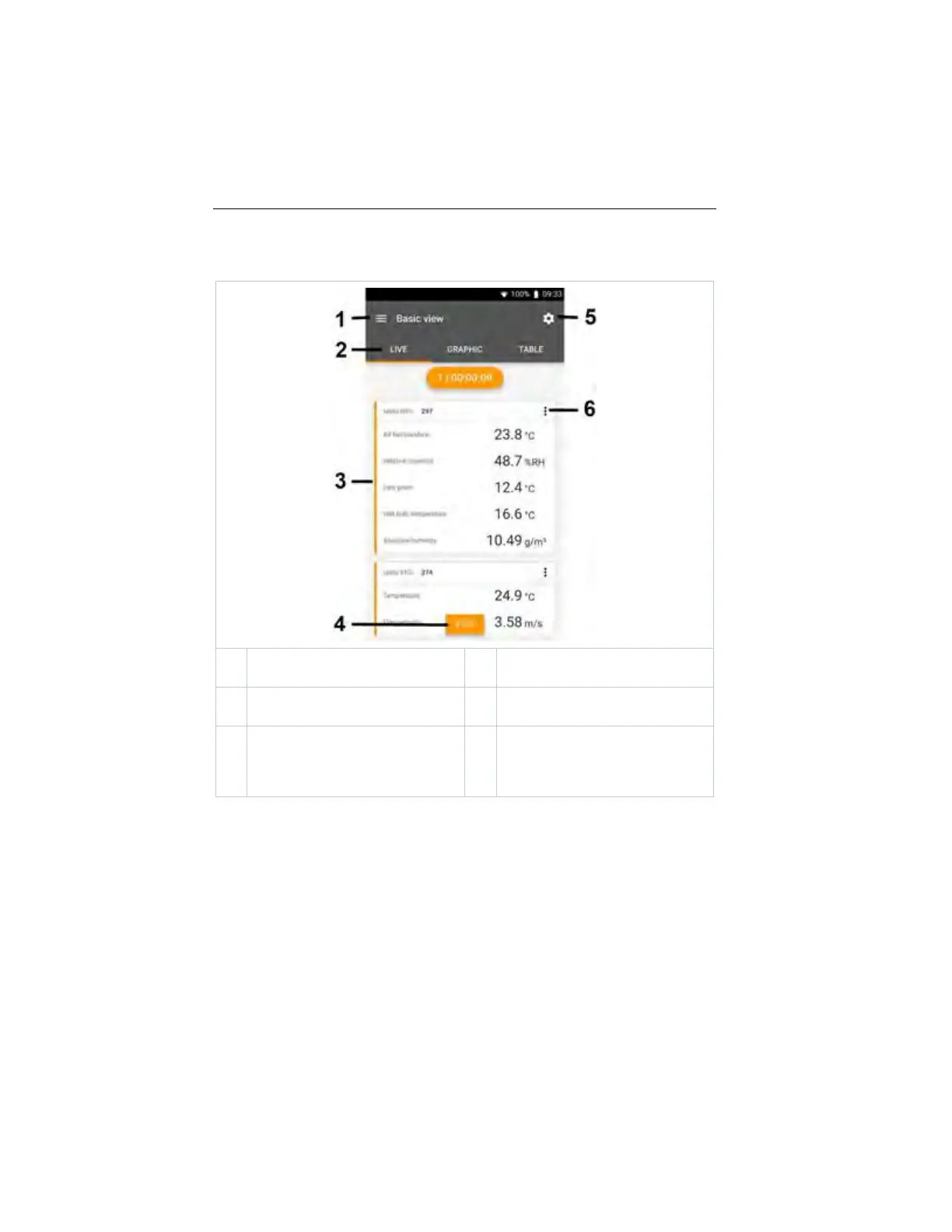
Overview of operating controls
1
Choice of applications
2
Switch between the views (live,
graphic, table)
3
Display of connected measuring
instruments including readings
4
Start/stop
5
Measurement configuration (the
menu changes depending on the
measuring instrument connected
and the application selected)
6
Configuration of the measuring
instrument
1.888.610.7664 sales@GlobalTestSupply.com
www.Testo-Direc t.com



 To Next Page