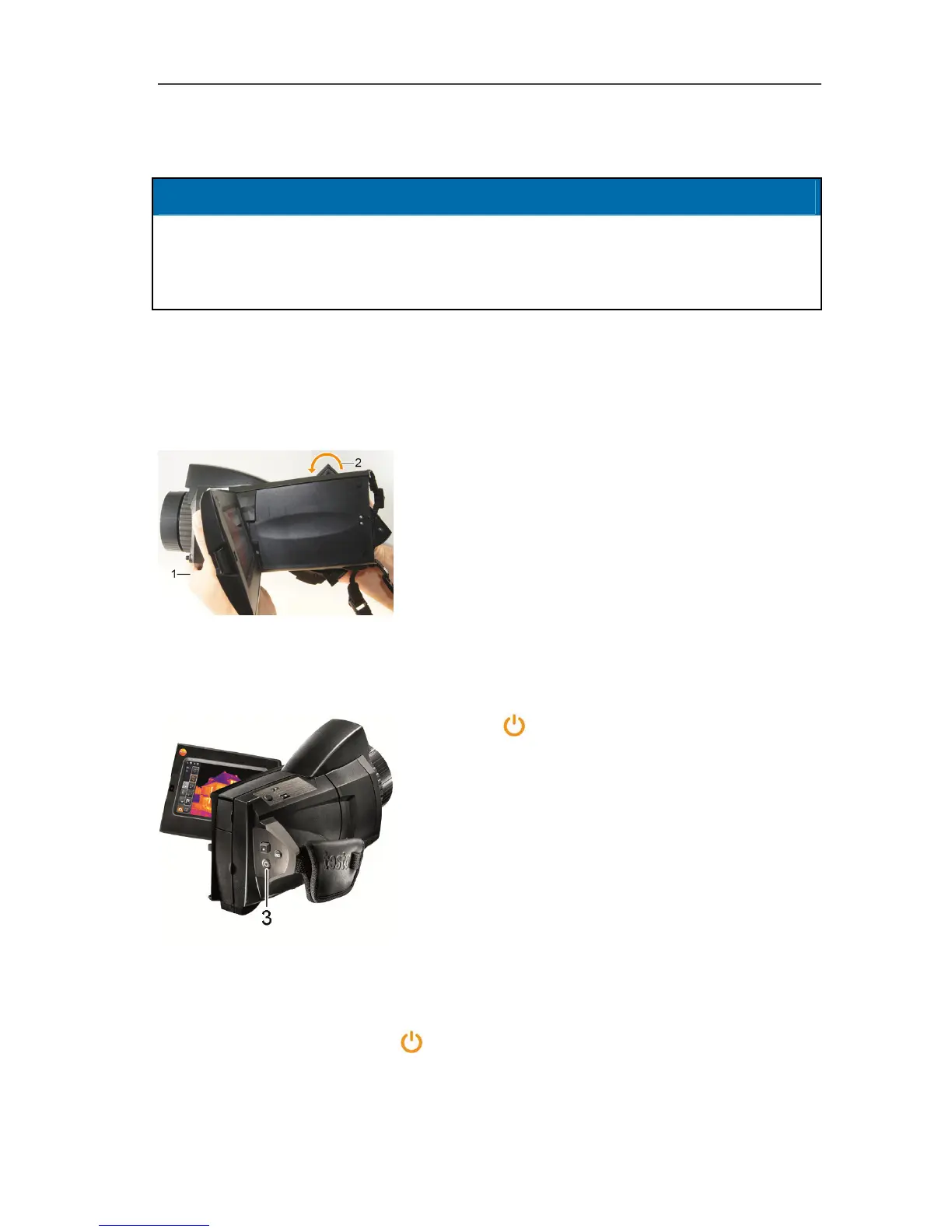
Rotating the display/handle
CAUTION
Display may be damaged!
> Do not hold the imager by the fold-out display.
> Only fold out and rotate display up to the noticeable stop.
Rotating the display
> Fold out the display (max. 90°) and rotate (max. -180°/+90°).
Rotating the handle
1. Put your right hand through the hand strap.
2. Grip the imager with your left hand. To do
this, hold the casing at the front of the
imager (1).
3. Turn your right hand to move the handle to
the required position (2). Press down with
your middle and ring finger. To rotate in the
opposite direction, press up with the heel of
your hand.
Switching the imager on/off
> Press [
] (3).
- The start screen appears on the display.
Instrument information is displayed (e.g.
serial number, type designation, firmware
version).
- The measurement view is opened.
Measurement values on the cursor and scale
are only displayed when the stabilisation
phase is complete (indicated by a rotating
symbol in the top right of the display).
The thermal imager performs automatic adjustment approx. every 60 sec. This
can be recognized by means of a "click". The image is frozen briefly when this
occurs.
> To switch off: hold down [
] (3) until the confirmation prompt is no longer
displayed.



 To Next Page