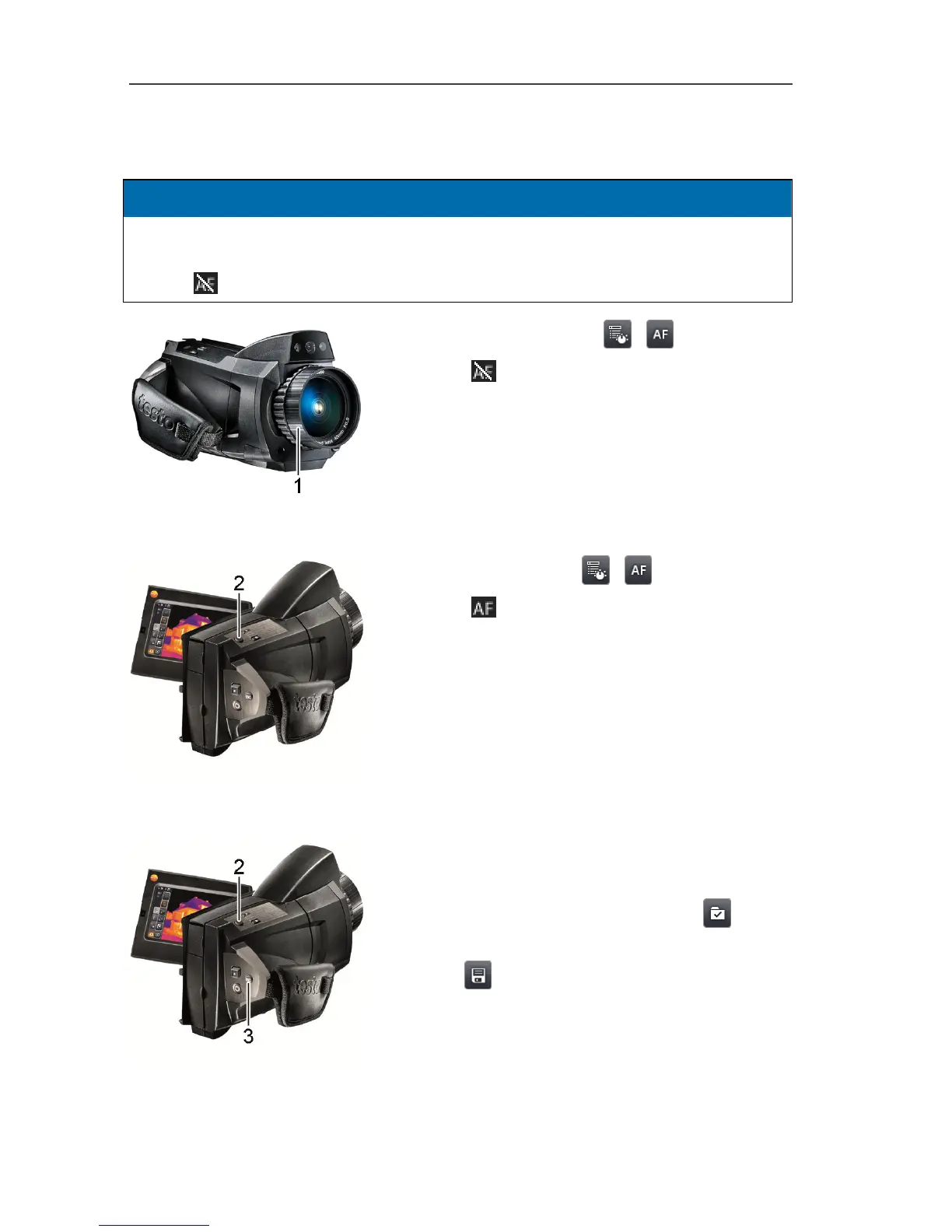
Manually focusing the image
CAUTION
Auto mechanism may be damaged!
> Only turn focusing ring when auto-focus is deactivated (status display top
left:
).
> Deactivate auto-focus:
| .
- Status is displayed (top left).
> Turn the lens focusing ring (1) until the
image is in sharp focus.
Automatically focusing the image
> Activate auto-focus:
| .
- Status (top left) is displayed.
> Touch [Shutter button] (2).
- An orange box is displayed. The image is
focussed automatically in this area.
Recording (freezing/saving) an image
1. Press [Shutter button] (2).
- The image is frozen (still).
> Select where to save image: touch
.
2. Save image: press [Shutter button] again or
touch
.
- The IR image is saved and the real image is
automatically attached to the IR image.
> Do not save image: press [Esc] (3).



 To Next Page