EasyManua.ls Logo

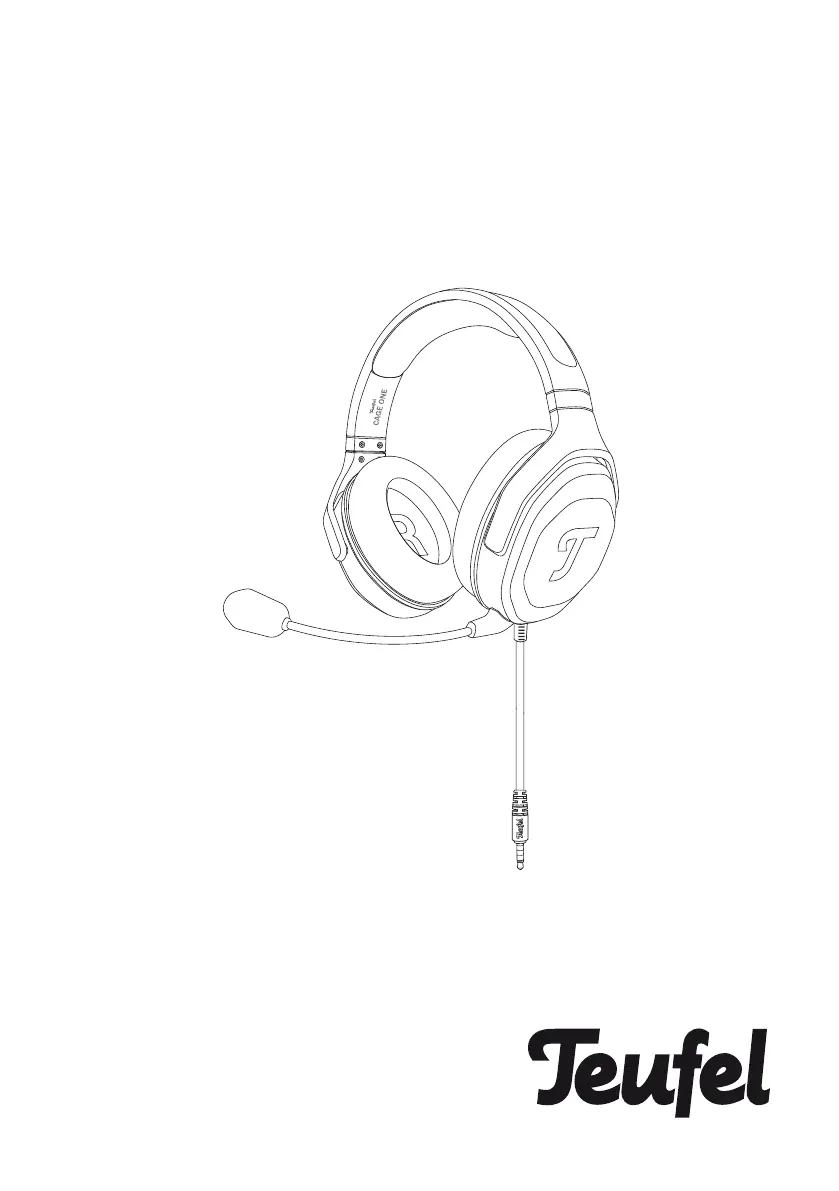
Teufel CAGE - User Manual

Teufel CAGE
16 pages
Print Icon
To Next Page IconTo Next Page
Loading...
Download UM (PDF):
https://teufelaudio.com/cage-one
CAGE
®
CAGE ONE
Technical Description and
User Manual

Other manuals for Teufel CAGE

Questions and Answers

Summary

Introduction to the Gaming Headset

General Product Information

Legal Notice and Reproduction Rights

Legal notice regarding document changes, liability, and reproduction rights.

Return Policy Details

Policy for returning the product, emphasizing the requirement for original packaging.

Complaint Handling Procedure

Procedure for processing customer complaints, requiring the invoice number.

Safety and Proper Usage Guidelines

Intended Use and Safety Precautions

Guidelines for using the headset as intended to prevent damage or injury.

Product Identification and Contents

Unboxing Contents List

Lists the components included in the product box for unpacking.

Headset Component Identification

Identifies and labels the main physical components of the gaming headset.

Getting Started with the Headset

Connecting the Headset to Devices

Instructions for connecting the headset to controllers, smartphones, or PCs.

Wearing and Adjusting the Headset

Guidance on how to wear and adjust the headset for optimal fit and comfort.

Operating the Gaming Headset

Volume Adjustment Controls

Explanation of how to adjust audio volume using the analog volume wheel.

Microphone Mute Functionality

Instructions on how to mute or unmute the microphone using the integrated switch.

Headset Care and Environmental Specifications

Cleaning Ear Cushions and Microphone

Procedures for cleaning the headset's ear cushions and microphone windscreen.

Headband Cleaning Instructions

Instructions for cleaning the headset's headband using a dry, soft cotton swab.

Recommended Environmental Conditions

Specifies the recommended operating and storage temperature ranges for the headset.

Replacing Ear Cushions

Detailed steps for removing and attaching the headset ear cushions.

Troubleshooting Common Issues

Resolving No Audio Playback

Solutions for issues related to the headset not producing sound.

Troubleshooting Voice Input Problems

Solutions for problems with the microphone not picking up voice or poor clarity.

Addressing Weak Bass Performance

Solutions for experiencing weak bass performance from the headset.

Technical Specifications Overview

Declaration of Conformity and CE Mark

Contact and Support Information

Teufel CAGE Specifications

General IconGeneral
TypeOver-Ear
MicrophoneYes
Frequency Response20 Hz - 20 kHz
Driver Size40 mm
Noise CancellingNo
ConnectionBluetooth, 3.5mm
Impedance32 ohms
Battery LifeUp to 30 hours

Related product manuals