Helpline No. UK/Northern Ireland 01270 508538 Rep.Ireland 1800 995 036
Web Support www.quesh.co.uk
Model No: 44163
19
1. In order to play an audio CD first make sure that you are in DVD
mode by pressing the INPUT button on the remote.
2. Press the OPEN/CLOSE button either on the remote or on the front
of the unit to open the disc tray.
3. Place the CD onto the tray making sure that the shiny side is facing
down.
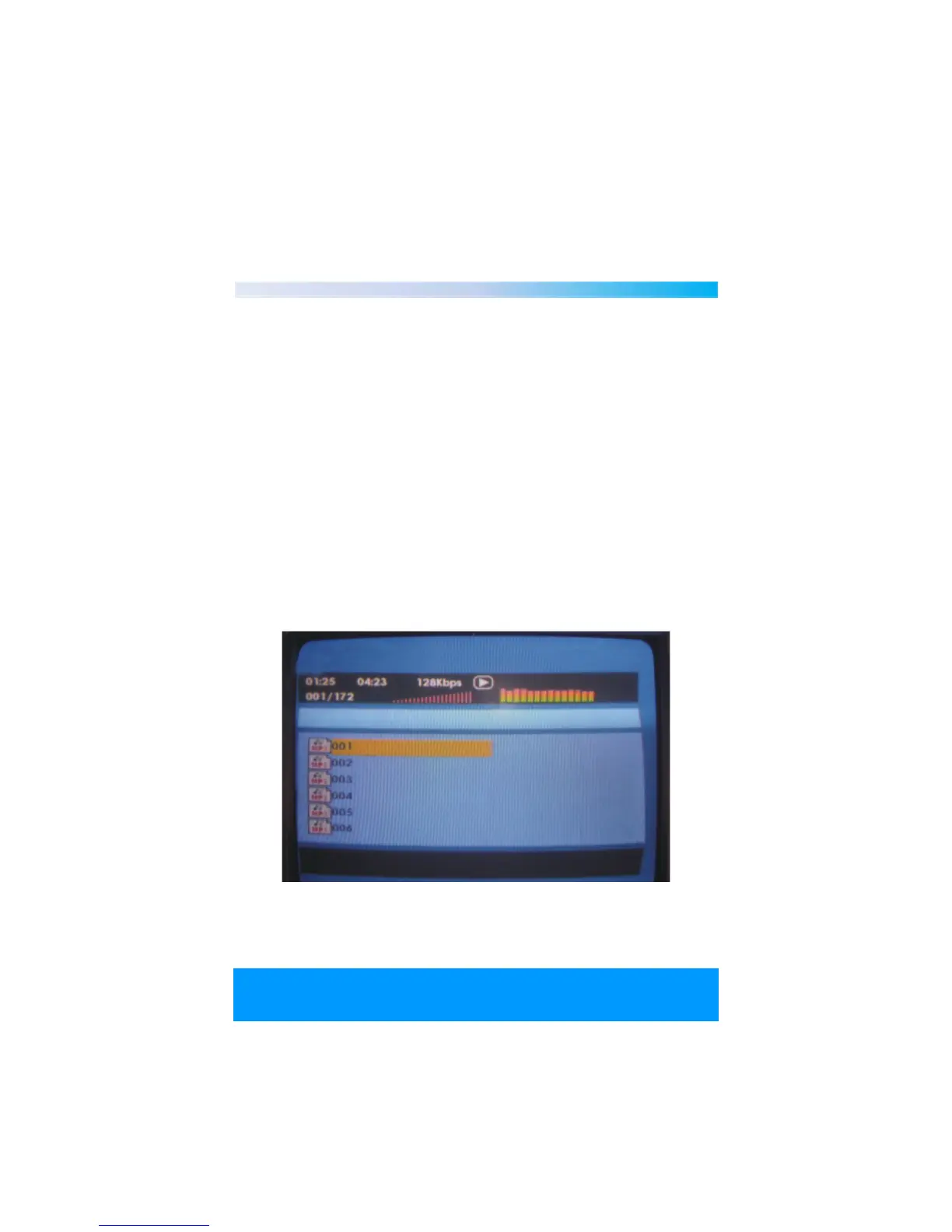
4. Press the OPEN/CLOSE button again to close the tray. The CD will
now automatically load to the main menu of the CD as shown
below.
5. Use the directional arrow buttons on the remote to navigate
through the menu options and press the enter button to confirm.
6. Move down to the tabs at the bottom of the menu to select
whether you want to search for music, pictures or movies and
press enter to confirm.
10Playing a CD MP3/IMAGE/VIDEO


 To Next Page