TI-73 / TI-83 Plus Area Formulas Page 7
8VLQJ 2Q VFUHHQ 2SWLRQV
Many of the screens in the Area Formulas application display
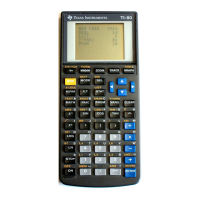
options across the bottom of the screen that you use to navigate
through the application. To select one of these options, press the
graphing key directly below the option.
Press a graphing key
to select one of these
options. For example,
press
r
or
s
to select EXAMPLE.













 To Next Page
