**** ****
**** ****
- Installer Manual -
23
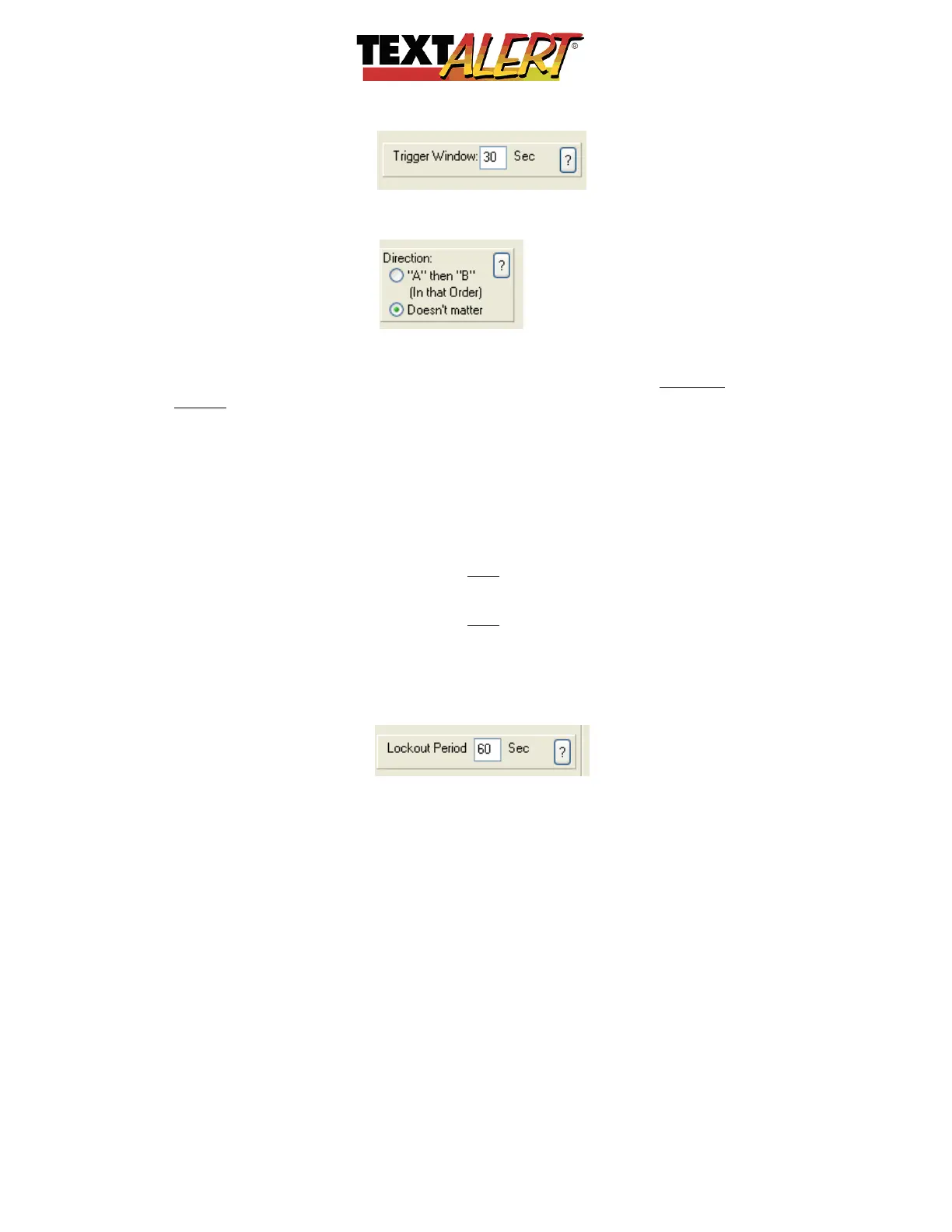
• When you select the Dual option, another new tab also appears:
This tab allows you to pick up direction of movement.
If it doesn’t matter to you which of the sensors triggers first and then second – select
“Doesn’t Matter”… However, if you want to know if a person is “Entering
Driveway” or
“Exiting Driveway”, then selecting the “A” then “B” tab will only trigger the zone when
that “A” then “B” criterion is met.
How can this be helpful?
Given that each sensor will physically have its own dipswitch setting – you can assign that
dip-code either “A” or “B” in any zone…
• If Zone 1 is “Someone Entering Driveway” and zone 2 is “Someone Exiting Driveway”
i. Then you’d assigned the dip-code on the physical sensor closest to the
road to Zone 1’s “A” and also to Zone 2’s “B”.
ii. You then assign the dip-code on the physical sensor furthest from the
road to Zone 1’s “B” and also to Zone 2’s “A”
“Lockout Period” This box allows you to set the amount of time (in seconds) that the
system will wait for a zone to trigger again after it has been activated. If this setting did not
exist, if the intruder remained at the location, you and all other recipients would constantly
be receiving the same message over and over:


 To Next Page
 Loading...