**** ****
**** ****
- Installer Manual -
25
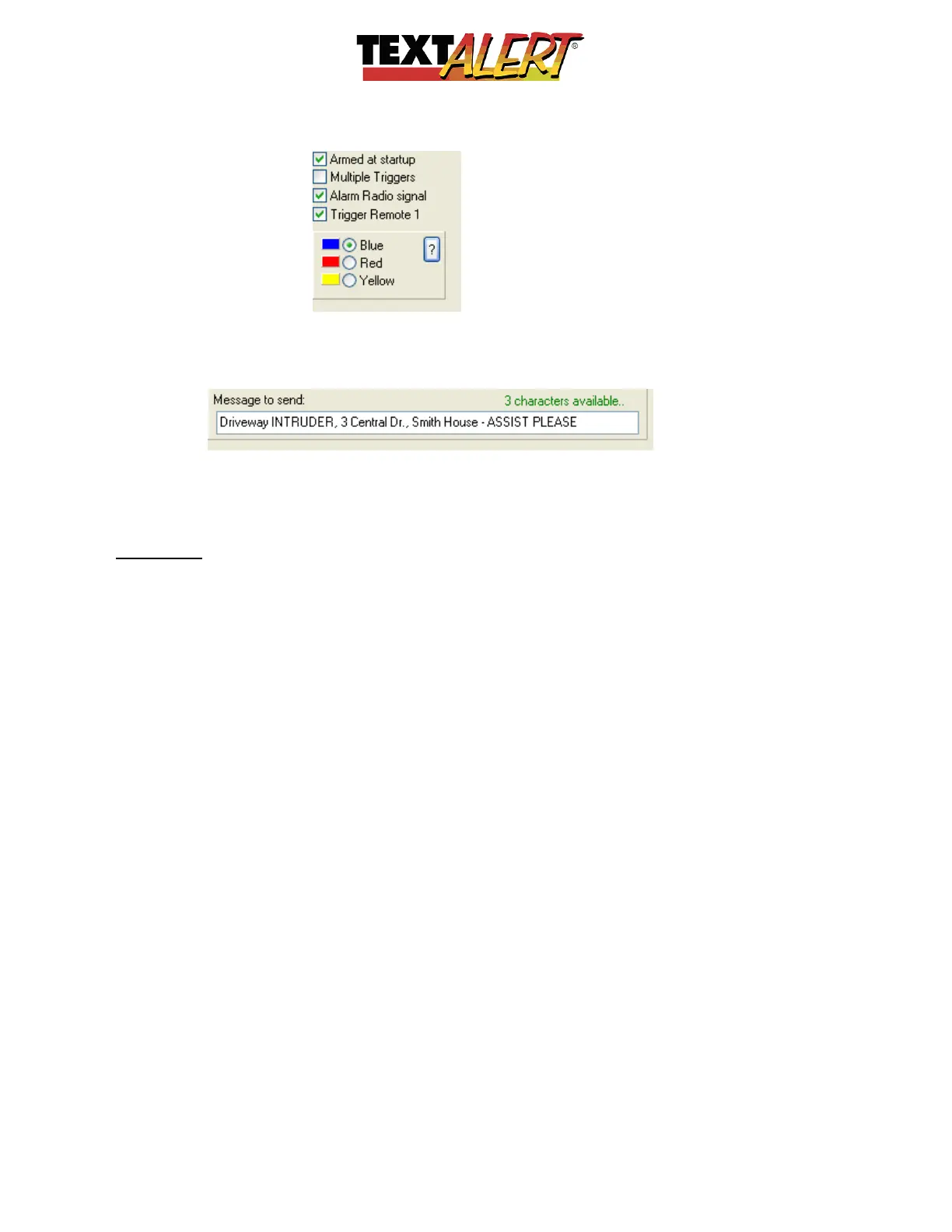
“Setting up the Text Message”; The system allows a maximum of 64 characters and a
convenient countdown of allowed characters is provided.
Because you may be sending this message to people who are not part of your household you
need to create a message that is informative to any recipient.
Remember: Even though you may have asked a neighbor if you could include them into your
recipients list, in 6 months when there is a problem and an alert is sent to your neighbor, that
neighbor has probably forgotten your conversation and won’t have a clue what your alert
message means. So, it is critical that you precisely spell out in the message what you want to
say.
Automated Notifications
Beside status requests that you can prompt from TextAlert, the unit will automatically provide
you with critical information:
o Providing you select the correct network of pre-paid SIM you are using, TextAlert will
check the amount of airtime available every 2-minutes – and notify you if there is less
than 10 units remaining. This is not applicable if you are using a contract SIM
o Will notify Admin user ONCE if it has trouble reading the airtime, and ONLY IF it does
not have a previous reading still in memory.
So if it gets a single reading that is valid, it will not notify the Admin user if subsequent
checking fails. The fact that it has worked once means that it will work again.
o When TextAlert detects a Low Battery condition on a sensor it will attach the word
“>BATT<” to the zone warning. Sensors will send a low battery warning for about a
week before they fail if their battery falls below a certain level.
“Controlling TextAlert Remotely”
• The administrator can use their cell phone to send Text/Sms instructions to turn on and
off all or some of the zones.


 To Next Page
 Loading...