2120
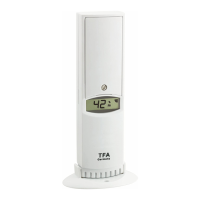
Wireless Thermo-Hygrometer
Wireless Thermo-Hygrometer
• Press and hold the CHANNEL / + button for three seconds.
• The radio-controlled reception symbol appears.
• The base station will scan the measurements.
6.3 Additional transmitters
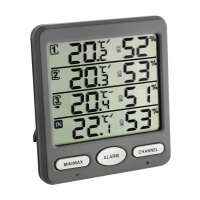
• If you have installed more than three transmitters, the measurements for transmitter
4-8 appear on the display section 4.
• Press the CHANNEL / + button to select the display section 4. The arrow appears on the
corresponding display section.
• Press the CHANNEL / + button to change between the installed transmitters.
• Press the button again after showing the last installed transmitter, on the display
appears the circle symbol. On the display section 4 appear in sequence, the values of
the internal sensor and the fourth to eighth transmitter. Press the button again to de-
activate the function.
• On the display appear again the measured internal values.
6.4 Temperature display
• Press and hold the MIN/MAX / – button in normal mode to change between °C (Celsius)
or °F (Fahrenheit) as temperature unit.
6.5 Display of the temperature tendency
• The trend pointer on the display indicates if the temperature values are increasing,
steady or decreasing.
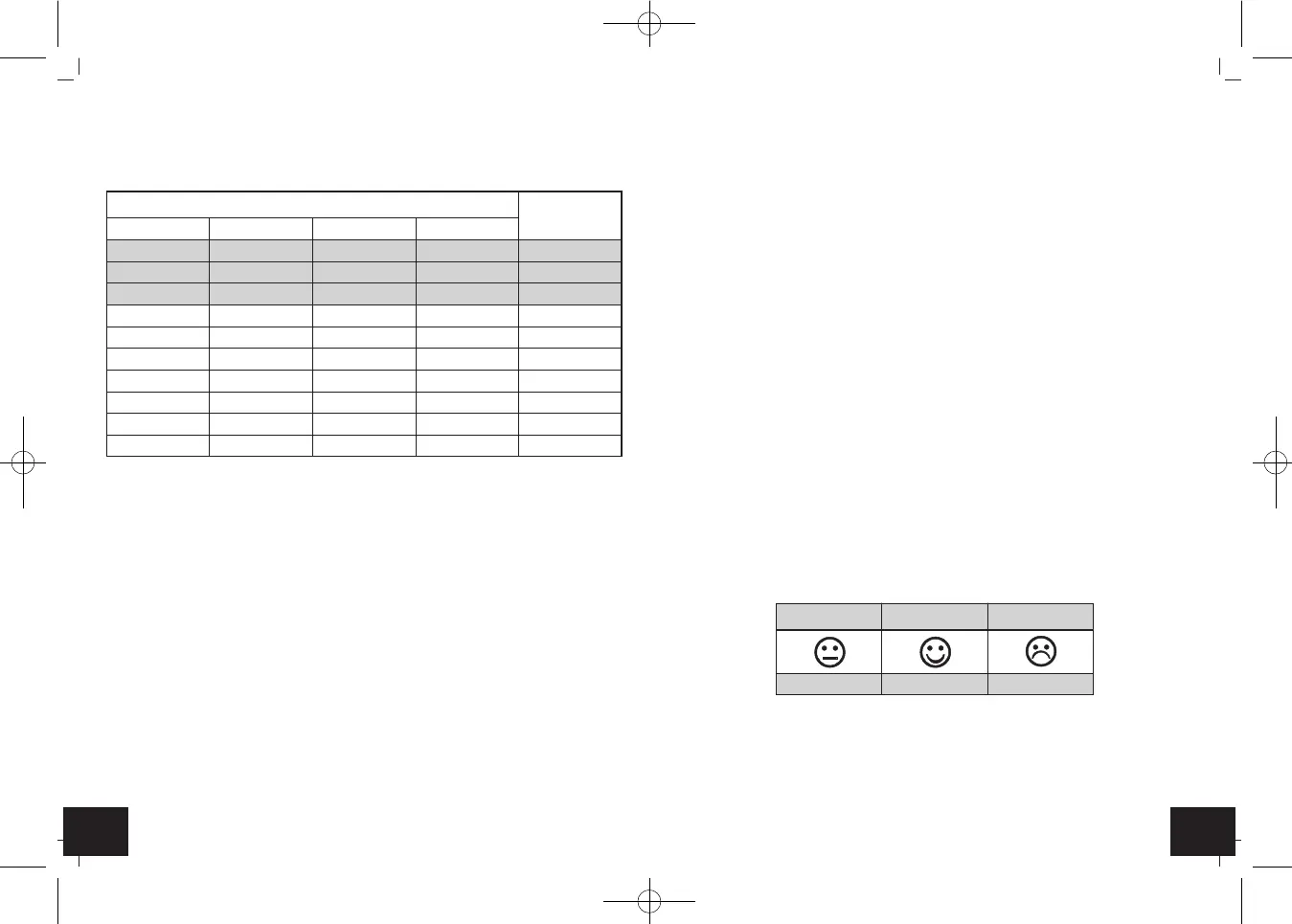
6.6 Comfort level
• On the display appears a friendly face (RH 45...65%), a neutral face (RH < 45%) or sad
face (RH > 65%) to indicate the comfort level of the climate.
6.7 Maximum and minimum values
• Press the MIN/MAX / – button.
• MAX appears on the display.
• On the display appear the maximum values since the last reset.
• To connect more transmitters, repeat steps 1 to 5. The correct switch position for the
transmitters 1-8 can be found in the table. 3 transmitters are included, the base station
is expandable to a total of 8 transmitters (optional).
6.2 Installation of the base station
• Open the battery compartment of the base station and insert four new batteries 1.5 V
AAA, polarity as illustrated.
• All LCD segments will be displayed for about a few seconds.
• Close the battery compartment again.
• The measurements of the installed transmitters will be transmitted to the base station.
The radio-controlled reception symbol appears.
• If the reception is successful, on the display appear the temperature and humidity of the
respective transmitter, the temperature trend symbol and the symbol of the comfort
level.
• The radio-controlled reception symbol disappears.
• In the display section 4 appears automatically the measured values of the internal sen-
sor.
• If the values are not received from a channel or if no transmitter is installed, “- -”
appears on the display. Check the batteries and try it again. Check if there is any source
of interference.
• You can start the initialization manually.
• Press the CHANNEL / + button until the arrow appears on the desired channel. If you
want to search for all installed transmitters, select the internal sensor (IN).
Switch (D 6)
Function
1234
down down down — channel 1
down down up — channel 2
down up down — channel 3
down up up — channel 4
up down down — channel 5
up down up — channel 6
up up down — channel 7
up up up — channel 8
— — — down °F
———up°C
RH < 45% RH 45...65% RH > 65%
dry comfortable wet
TFA_No. 30.3054_Anleit_03_23 06.03.2023 15:15 Uhr Seite 11


 To Next Page
 Loading...