2120
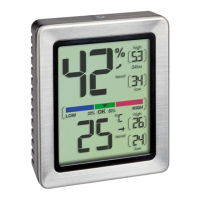
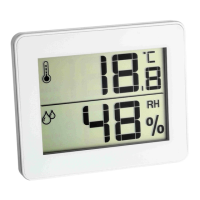
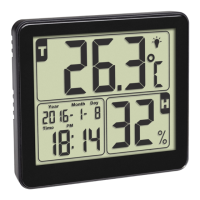
Digital thermo-hygrometer
Digital thermo-hygrometer
• Press and hold the °C/°F/
button in normal mode to turn the back-
light off. The light symbol disappears.
6. Care and maintenance
• Clean the device with a soft damp cloth. Do not use solvents or
scouring agents.
• Remove the battery if you do not use the device for a long period of
time.
• Keep the device in a dry place.
6.1 Battery replacement
•
Change the battery when the display or the alarm tone becomes weaker.
7. Troubleshooting
Problems Solutions
No display on the device ➜ Ensure that the battery polarity is
correct
➜ Change the battery
5.4 Temperature display
• Press the °C/°F/
button in normal mode to change between °C
(Celsius) or °F (Fahrenheit) as temperature units.
5.5 Maximum and minimum values
• Press the MAX/MIN/
button.
• MAX appears on the display.
• The highest indoor temperature and humidity are displayed since the
last reset.
• Press the MAX/MIN/
button again.
• MIN appears on the display.
• The lowest indoor temperature and humidity are displayed since the
last reset.
• Press the MAX/MIN/
button once more, to go back to the current
values display.
• Press and hold the MAX/MIN/
button when the maximum or mini-
mum values are displayed to reset the corresponding values.
5.6 Backlight
• The device has a backlight with a sensor that reacts to vibration such
as lifting or touching. The backlight turns on for a few seconds.
TFA_No. 30.5042_Anleitung_03_19 20.03.2019 11:58 Uhr Seite 11


 To Next Page