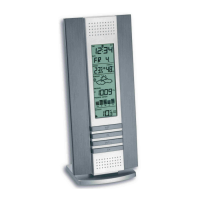
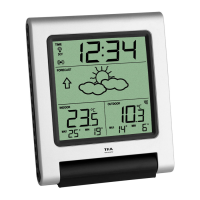
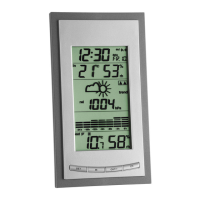
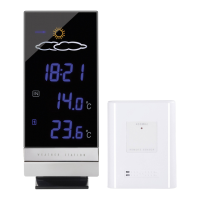
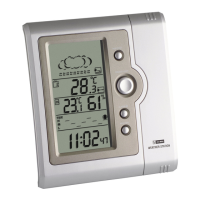
Indoor Weather Station
10 11
Display Mode
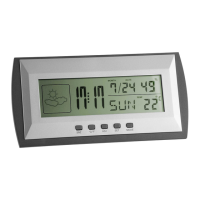
• In normal mode the left row shows the weather symbol, the middle row the time in hours
and minutes and the alarm and/or chime symbol (in case), the right upper row the date and
humidity, the lower row the day of the week and the temperature.
• By pressing the °C/°F button the temperature unit can be changed from °C to °F.
• To enter alarm mode, press MODE button. The alarm time is displayed.
• To enter calendar mode, press 2 x MODE button. The year is displayed.
Setting Mode
• Press SET button for 2 sec. to enter the respective setting mode and select all settings one
after the other.
Indoor Weather Station
• When the digits are flashing set the desired time by pressing the ADJ button. Hold and
press the button for a fast count.
A. Setting of Time
Press SET button (2 sec.) → Select 12 or 24 hours system by pressing ADJ button
Press SET button → Select Time Hours by pressing ADJ button
Press SET button → Select Time Minutes by pressing ADJ button
Press MODE button → Exit setting mode
B. Setting of Alarm
Press MODE button → Enter Alarm mode
Press SET button (2 sec.) → Select Alarm time Hours by pressing ADJ button


 To Next Page