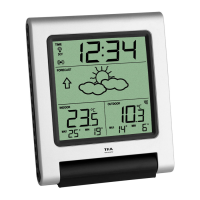
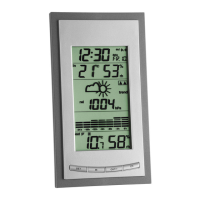
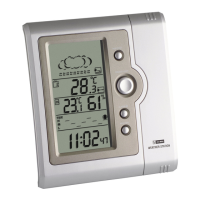
Indoor Weather Station
14 15
• Press and hold the ADJ button to reset the MAX/MIN values to the present temperature
and humidity.
Weather forecast
• The instrument has no atmospheric pressure sensor. The weather forecast is based on the
changes of humidity values.
Maintenance
• Replace the battery when the display becomes weak or the alarm level declines.
Attention: Please do not dispose of old electronic devices and empty batteries in household
waste. To protect the environment, take them to your retail store or to appropriate collection
sites according to national or local regulations.
Indoor Weather Station
• Do not expose the instrument to extreme temperatures, vibration or shock.
• Clean it with a soft damp cloth. Do not use solvents or scouring agents.
• Please do not try to repair the unit. Contact the original point of purchase. Please change the
battery before complaining. No guarantee if the instrument is handled or opened improperly.


 To Next Page