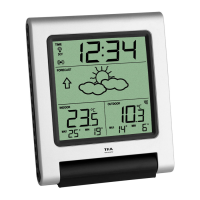
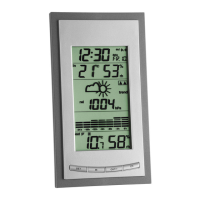
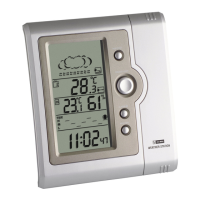
Indoor Weather Station
12 13
Press SET button → Select Alarm time Minutes by pressing ADJ button
Press MODE button → Exit setting mode
C. Setting of Calendar
Press MODE button → Enter Calendar mode
Press SET button (2 sec.) → Select Date Year by pressing ADJ button
Press SET button → Select Date Month by pressing ADJ button
Press SET button → Select Date Day by pressing ADJ button
Press MODE button → Exit setting mode
Activate / turn off Alarm
• To activate / turn off the alarm and/or chime function, press ADJ button in alarm mode.
Indoor Weather Station
The respective symbol appears or disappears on the display.
• Press any button to stop the alarm.
Snooze function
• Once the alarm starts to ring, you can activate the snooze function by pressing the SNZ
button. The snooze symbol appears on the display. The alarm will be interrupted for
5 minutes.
MAX / MIN values
• Press the ADJ button in normal mode and the highest temperature and humidity values are
displayed since the last reset.
• Press the ADJ button again, the display shows the lowest values since the last reset.


 To Next Page