2726
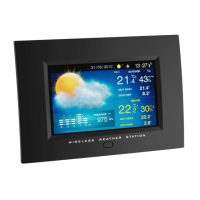
Wireless weather station with photo viewer
You can now change the default settings (default settings)
• Language: German, English
, French
• Slideshow Time: 3, 5
or 15 seconds, 1 or 15 minutes or 1 hour
• Transition Effect: Random
until vertical (13 options)
• Photo Repeat Mode: Repeat all
, random, manual
• Display Mode: Cr
op
, stretch, cinema 16:9
• For power saving, you can select two periods of time when the photo frame is turned
off daily (example: from 22 h until 7 h and from 9 h until 16 h).
ON/OFF timer 1-On: 1. time turn off (e.g.: 22 h)
ON/OFF timer 1-Off: 1. time turn on (e.g.: 7 h)
ON/OFF timer 2-On: 2. time turn off (e.g.: 9 h)
ON/OFF timer 2-Off: 2. time turn on (e.g.: 16 h)
• Brightness: 1 – 16, 8
• Contrast: 1 – 16, 8
• Saturation: 1 – 16, 8
• Radio-Controlled Reception: Automatic, search now
• Time Zone: +12/-12 hours, 0
• Time/Date: If no radio reception is possible.
• Calendar Display Format: Day/Month
or Month/Day
• Time Format: 24 Hour
or 12 Hour (PM appears on the display after 12 h)
• Alarm: Setting of alarm. When the alarm is activated, the alarm symbol appears on
the display. Press any button to stop the alarm.
• Wireless Sensor Reception: Automatic
or search now
• Temperature Unit: °
C or °F (Please change also the temperature unit in the transmit-
ter)
• Weather Forecast. Par
tly Cloudy; Cloudy; Rainy; Stormy or Sunny. Please set when
getting started!
• Pressure Unit: hPa, mb, InHg, mmHg
• Remote Channel Display: Automatic
change of all received channels, Channel 1 Only,
Channel 2 Only, Channel 3 Only.
• Default Setting: Yes/No. Press ENTER button and choose “√” with or button, if
you want to change to the default settings.
• S/W Version: W232-1 1.14 (no setting possible)
• Press EXIT button to exit the Setup menu and to return to the Menu selection.
Manual setting of the RCC reception
• Choose “Radio-Controlled Reception”.
• Choose “Search Now” with or button.
• Confirm with ENTER button.
• Choose than “√” with or button, when “Start radio-controlled clock reception
now?” appears on the display.
• Confirm with ENTER button.
• The display will be turned off for 10 minutes for radio controlled clock reception.
Wireless weather station with photo viewer
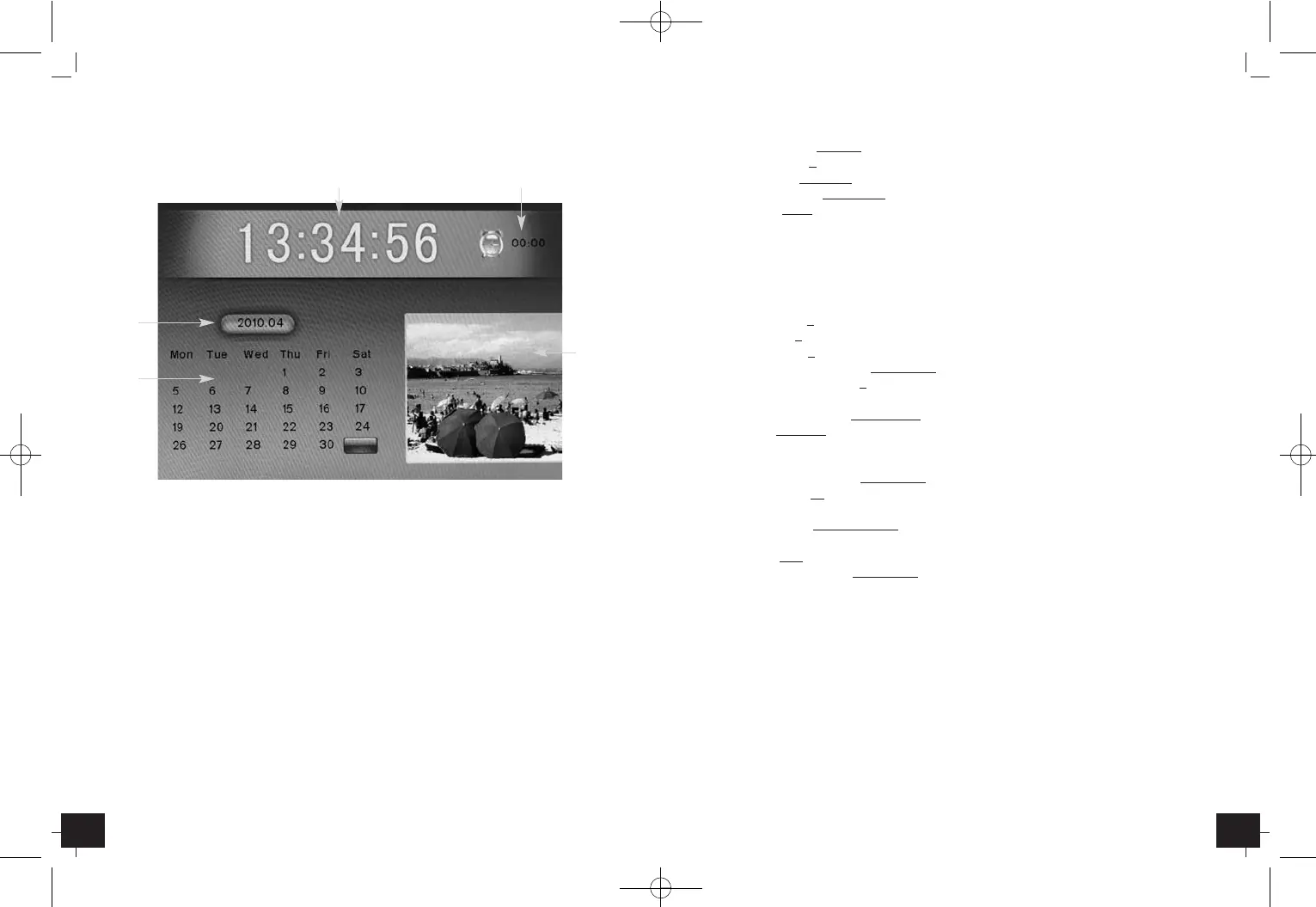
3.1.4 Calendar
• The time with seconds, the alarm time, the date and a photo appear on the display.
Q
Radio controlled clock (24/12 hour mode)
W
Alarm time when alarm is activated
E
Year, month
R
Weekday, date
T
Photo
• Press or button to display the previous or next month.
• Press or button to display the previous or next year.
3.1.5 Setup
• The different sections appear on the display.
• The actual section is highlighted in yellow.
• Press or button to change the section.
• Press or button to choose a selection.
• Hold and press the , , or button for a fast count.
• Press ENTER button to confirm the selection.
E
R
Q W
T
TFA_No. 35.1104 Anleitung 12.05.2010 14:35 Uhr Seite 14


 To Next Page