2120
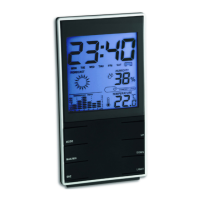
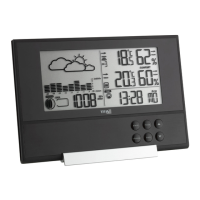
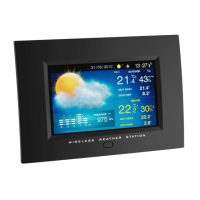
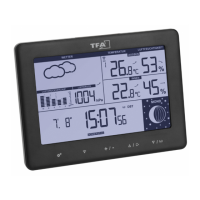
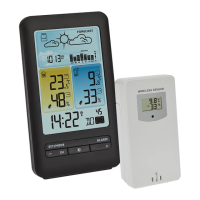
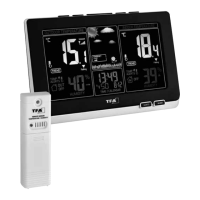
SPHERE – Wireless weather station
4. For your safety
• This product is exclusively intended for the range of application described above. It should only be used as described with-
in these instructions.
• Unauthorized repairs, alterations or changes to the product are prohibited.
Caution!
Risk of electrocution!
• Plug the base station only into a mains socket installed within electrical safety regulations and with a 230V mains voltage!
The mains socket must be located near the equipment and it must be easily accessible.
• The base station and the power adapter must not come into contact with water or moisture. Only suitable for indoor use.
• Do not use the device if the housing or the power adapter are damaged.
• Keep the device out of reach of persons (including children) who cannot fully appreciate the potential risks of handling
electrical equipment.
• Unplug the device immediately if any fault occurs or if the device is not to be used for a long period of time.
• Only use the supplied power adapter.
• Connect the lead to the base station first, then plug the power adapter into the mains socket.
• Do not pull the plug out of the socket by its cable.
• Route the mains cable so it does not come into contact with sharp-edged or hot objects.
Caution!
Risk of injury:
• Keep these devices and the batteries out of reach of children.
• Batteries contain harmful acids and may be hazardous if swallowed. If a battery is swallowed, this can lead to serious inter-
nal burns and death within two hours. If you suspect a battery could have been swallowed or otherwise caught in the body,
seek medical help immediately.
• Batteries must not be thrown into a fire, short-circuited, taken apart or recharged. Risk of explosion!
• Low batteries should be changed as soon as possible to prevent damage caused by leaking.
• Never use a combination of old and new batteries together, nor batteries of different types. Wear chemical-resistant protec-
tive gloves and safety glasses when handling leaking batteries.
SPHERE – Wireless weather station
Important information on product safety!
• Do not expose the devices to extreme temperatures, vibrations or shocks.
• Protect it from moisture.
• The transmitter is splashproof, but not watertight. Should you decide to use the transmitter in the outdoor area, choose a
shady and dry place.
5. Elements and buttons
5.1 Base station
A: Display (Fig. 1):
A 1: Indoor temperature A 2: DCF reception symbol
A 3: Day of the week A 4: Time/alarm time/date
A 5: Alarm symbol A 6: Indoor humidity/seconds
A 7: Atmospheric pressure trend A 8: Weather forecast with weather symbols
A 9: Pressure history graph of the last 12 hours
A 10: Outdoor temperature with maximum/minimum values
A 11: Outdoor humidity A 12: Reception symbol for the outdoor transmitter
B: Buttons (Fig. 2):
B 1: SELECT SET/DISP button B 2: MIN/MAX + button
B 3: ALM button B 4: DIM button
B 5: MODE button
C: Housing (Fig. 2):
C 1: Battery compartment C 2: Power adaptor jack
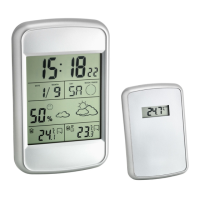
5.2 Transmitter (Fig. 3):
D 1: Support for wall mounting or table standing
D 2: Battery compartment
TFA_No. 35.1148_Anleitung 09.10.2017 17:18 Uhr Seite 11


 To Next Page
 Loading...