2322
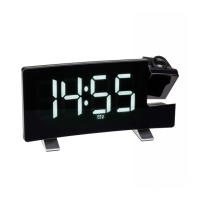
Projection alarm clock radio with USB charging function
Projection alarm clock radio with USB charging function
5. Elements
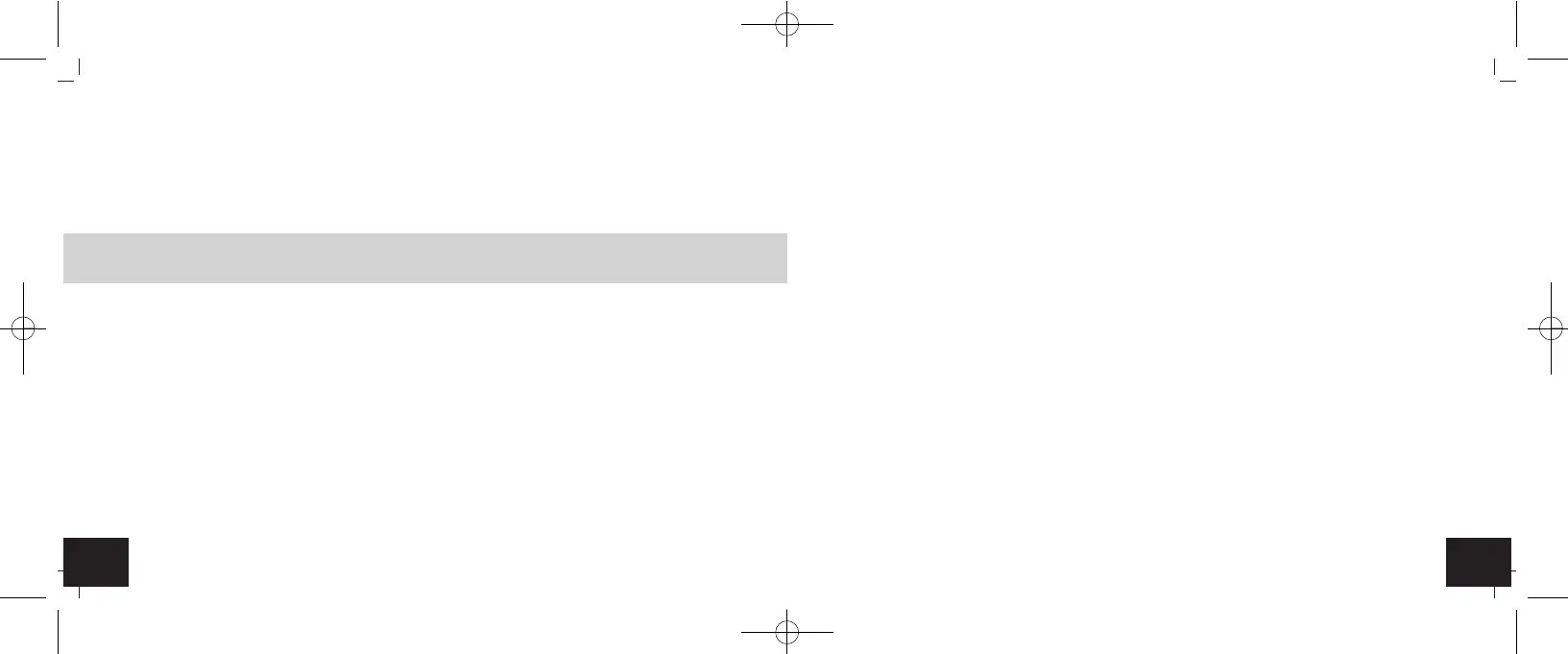
5.1 LCD display (Fig. 1)
A 1: Time A 2: PM in 12-hour format
A 3: MEM for program memories A 4: Alarm symbol 1
A 5: Alarm symbol 2 A 6: SL for Sleep function
5.2 Buttons(Fig. 2)
B 1: ▼ button B 2: VOL button
B 3: RADIO/SLEEP button B 4: SNOOZE/DIMMER button
B 5: SET button B 6: AL button
B 7: ▲ button
5.3 Housing (Fig. 3)
C 1: Battery compartment (screwed) C 2: Antenna cable
C 3: INPUT Jack 5 V (Micro-USB) C 4: USB port
C 5: Projection arm C 6: Light sensor
6. Getting started
• The CR2032 button cell (included) is a back-up battery to keep the clock operational in the event of a
blackout or other power failure.
• Open the battery compartment using a screwdriver.
• Remove the battery insulation strip. Make sure the polarities are correct (+pole above).
• Operate the device out of reach of persons (including children) who cannot fully appreciate the potential
risks of handling electrical equipment.
• Connect the USB cable to the device and the power adaptor first and then plug the power adapter into the
socket.
• Route the mains cable so it does not come into contact with sharp-edged or hot objects.
Caution!
Risk of injury!
• Keep this device and the battery out of reach of children.
• Small parts can be swallowed by children (under three years old).
• Batteries contain harmful acids and may be hazardous if swallowed. If a battery is swallowed, this can
lead to serious internal burns and death within two hours. If you suspect a battery could have been swal-
lowed or otherwise caught in the body, seek medical help immediately.
• Batteries must not be thrown into a fire, short-circuited, taken apart or recharged. Risk of explosion!
• Low batteries should be changed as soon as possible to prevent damage caused by leaking.
• Avoid contact with skin, eyes and mucous membranes when handling leaking batteries. In case of con-
tact, immediately rinse the affected areas with water and consult a doctor.
Important information on product safety!
• Do not expose the device to extreme temperatures, vibrations or shocks.
TFA_No. 60.5015_Anl_03_22 21.03.2022 11:10 Uhr Seite 12


 To Next Page