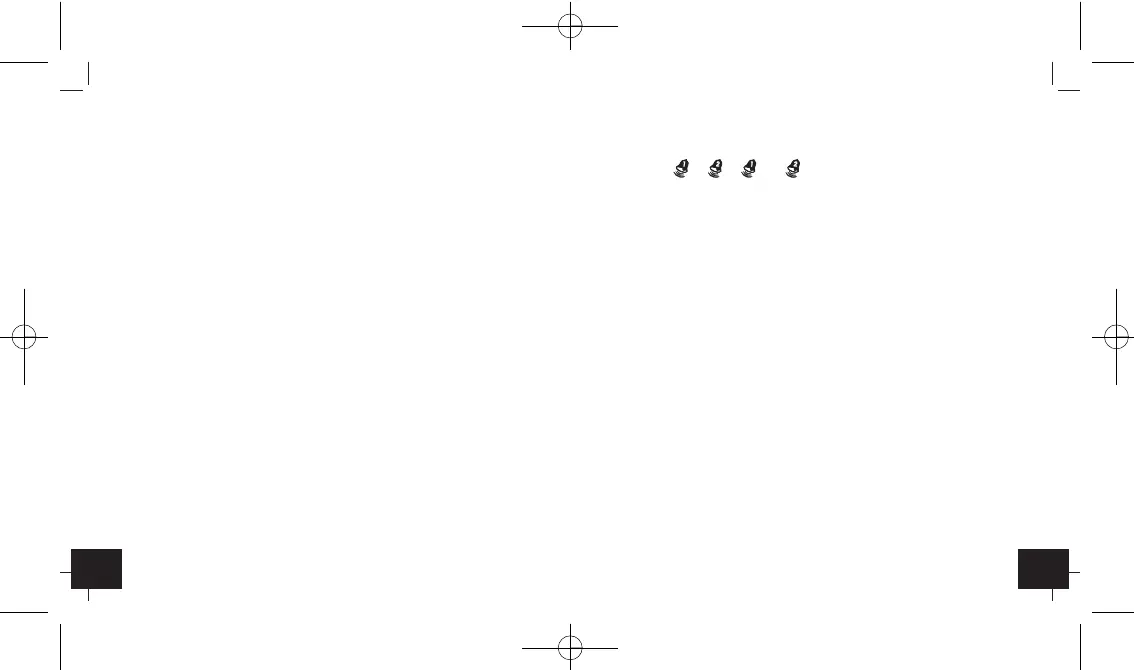
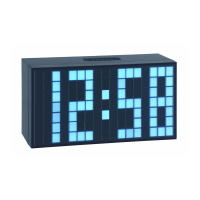
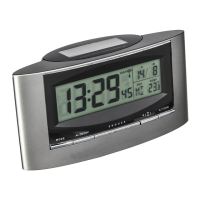
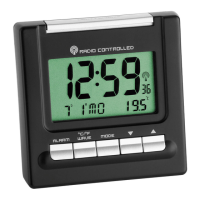
Radio controlled alarm clock with thermometer
Radio controlled alarm clock with thermometer
2322
• To activate or deactivate the alarm function press “ALARM”
button. , , + or no alarm symbol is shown on
the LCD.
• Once the alarm starts to ring, you can stop the alarm by
pressing “ALARM” button.
• You can activate the snooze function by pressing the “LIGHT/
SNOOZE” button on the top. Zz appears and the alarm will be
interrupted for 4 minutes.
6.6 Dual time setting
• Select dual time by “MODE” button.
• Hold “MODE” button for 3 seconds. The hour digits are flash-
ing. Press “▼“ or “▲“ button to adjust the time. Confirm with
“MODE” button. Set minutes in the same way. Confirm with
“MODE” button.
7. Backlight
• Press “LIGHT/SNOOZE” button. The backlight will light for 5 sec.
8. Care and maintenance
•
Clean it with a soft damp cloth. Do not use solvents or scour-
ing agents.
• Press “WAVE” button to toggle between °C or °F as tempera-
ture unit.
6.4 Setting of time zone
•
The time zone is used for the countries where the DCF signal can
be received but the time zone is different from the DCF time.
• Hold “▲“ button for 3 seconds in normal mode (time/temper-
ature display). “F” appears on the display. Hold “MODE” but-
ton for 3 seconds. The hour digit is flashing. Press “▼“ or “▲“
button to adjust hours to your local time.
• Confirm with “MODE” button.
6.5 Alarm setting
• Select your desired alarm by “MODE” button:
1. Alarm 1: ALM 1
2. Alarm 2: ALM 2
• Set the alarm time in the desired alarm mode. Hold “MODE”
button for 3 seconds. The hour digits are flashing. Press “▼“
or “▲“ button to adjust the time. Confirm with “MODE”
button. Set minutes in the same way. Confirm with “MODE”
button and the alarm is activated.


 To Next Page