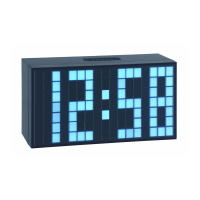
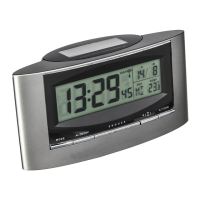
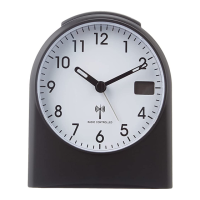
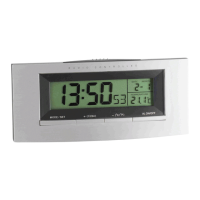
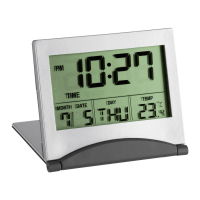
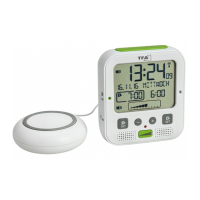
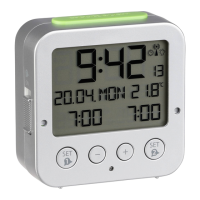
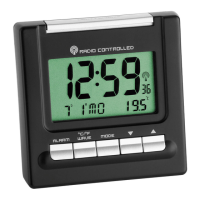
Radio controlled alarm clock with thermometer
Radio controlled alarm clock with thermometer
2120
6. How to operate
6.1 Manual setting of clock and calendar
• Hold “MODE“ button for 3 seconds in normal mode
(time/temperature display). The hour digit is flashing. Press
“▼“ or “▲“ buttons to adjust hours. Holding “▼“ or “▲“ but-
tons, you will enter fast mode.
• The setting sequence is shown as follow: Hours, Minutes, Year,
Month and Day. Press “▼“ or “▲“ button to make the desired
settings.
• The instrument will quit the setting mode, if there is no but-
ton used within 30 seconds.
• The manually set time will be overwritten by the DCF time
when the signal is received successfully
• Press “▲“ button to choose 12 HR or 24 HR system.
6.2 Day-of-week language
• Press and hold “▼“ button. Language abbreviations change
from one language to another: English (EN), German (DE),
French (FR), Italian (IT), Spanish (SP).
6.3 °C/°F
• If necessary select temperature display by “MODE” button.
5. Getting started
• Insert the supplied batteries 2 x 1,5 V AAA into the battery
compartment, observing the correct polarity.
• The clock will scan the DCF frequency signal and the DCF sym-
bol flashes on the LCD. When the signal is received successfully
after 3-5 minutes, the radio controlled time and the DCF symbol
appear permanently. The clock automatically scans the time sig-
nal every hour to maintain accurate timing.
• In Daylight Saving Time “S” is shown on the LCD.
• If the reception fails, activate the reception manually by hold-
ing “WAVE” button for 3 seconds.
• The wave display shows the signal receiving status:
Normal reception status
Weak signal
• In case the clock cannot detect the DCF-signal (for example due
to disturbances, transmitting distance, etc.), the time can be set
manually. The clock will then work as a normal quartz clock.
(see 6.1 Manual setting of clock and calendar).


 To Next Page