1716
EXACTO – Digital thermo-hygrometer
EXACTO – Digital thermo-hygrometer
Important information on product safety!
• Do not expose the device to extreme temperatures, vibra-
tions or shocks.
• Protect it from moisture.
• Only suitable for indoor use.
4. Elements
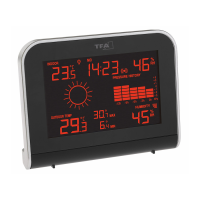
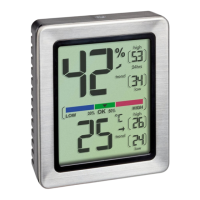
A: Display (Fig. 1):
A 1: Humidity
A 2: Humidity trend arrow
A 3: Max/min values humidity
A 4: Comfort level indicator
A 5: Temperature
A 6: Temperature trend arrow
A 7: Max/min values temperature
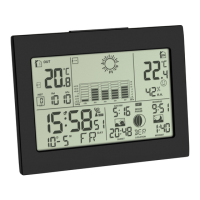
B: Buttons (Fig. 2+3):
B 1: UP button B 2: DOWN button
B 3: SET button B 4: °C/°F button
B 5: LIGHT sensor button
C: Housing (Fig. 2):
C 1: Mounting hole
C 2: Magnet
C 3: Stand (fold out)
C 4: Battery compartment
5. Getting started
• Remove the protective film from the display.
• Open the battery compartment.
• Insert two new 1,5 V AAA batteries, polarity as illustrated.
On the display appear the measured temperature and
humidity.
• Close the battery compartment again.
6. Temperature display
• Press and hold the °C/°F button using a pin to change
between °C (Celsius) or °F (Fahrenheit) as temperature unit.
7. Trend indicator
• The trend arrows indicate whether the values for tempera-
ture and humidity are currently increasing, steady or
decreasing.
8. Comfort level
• A marking appears on the display to indicate the comfort
level.
TFA_No. 30.5047_Anleitung 24.05.2018 16:15 Uhr Seite 9


 To Next Page