21
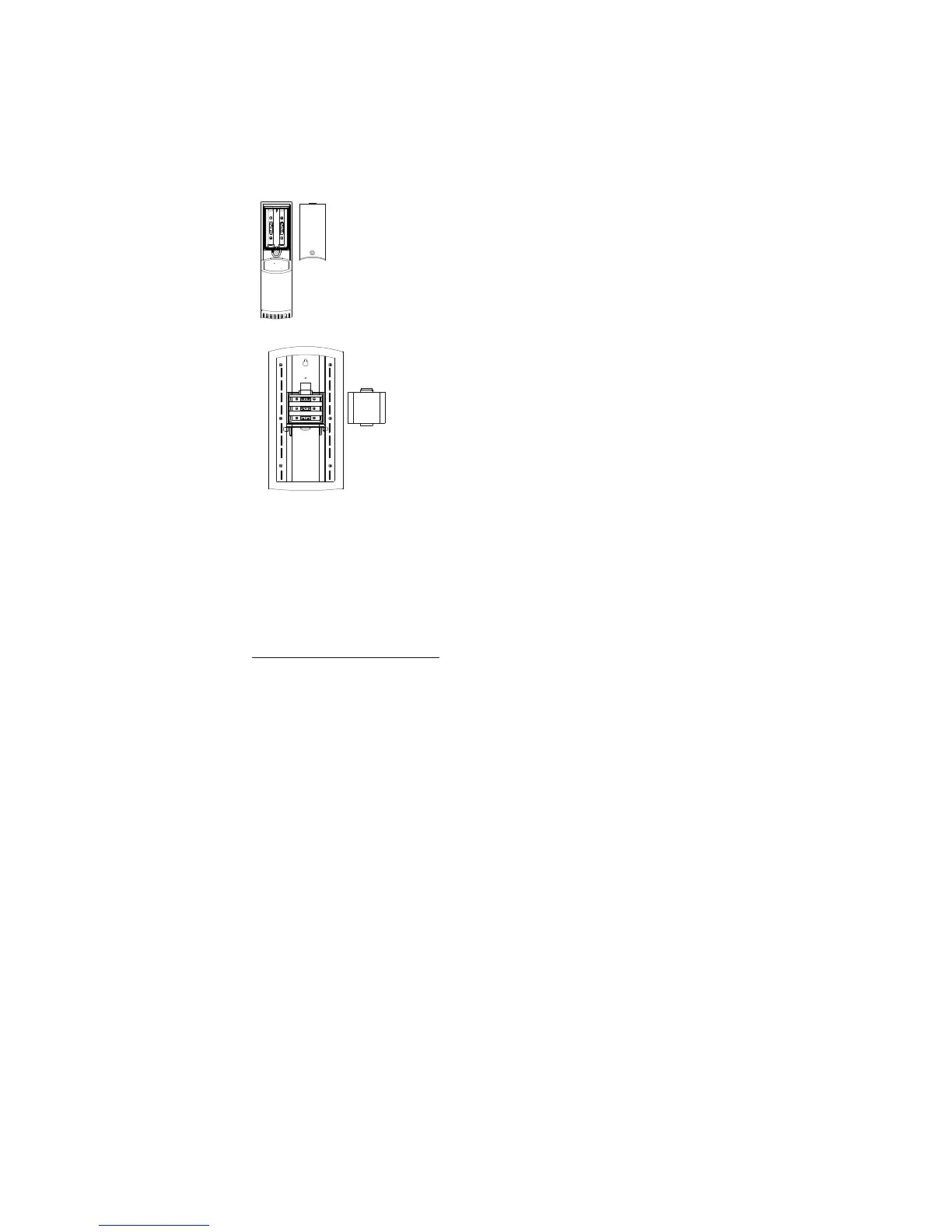
TO INSTALL AND REPLACE BATTERIES IN THE THERMO-HYGRO
TRANSMITTER
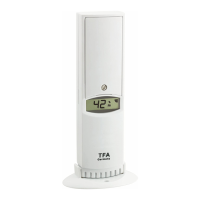
The outdoor Thermo-hygro transmitter uses 2 x AA IEC LR6, 1.5V
batteries. To install and replace the batteries, please follow the steps
below:
1. Remove the battery cover at the front side with a small screwdriver.
2. Insert the batteries, observing the correct polarity (see battery
compartment marking).
3. Replace the battery cover on the unit.
TO INSTALL AND REPLACE BATTERIES IN THE WEATHER STATION
The Weather Station uses 3 x AA, IEC LR6, 1.5V batteries. To
install and replace the batteries, please follow the steps
below:
1. Insert finger or other solid object in the space at the
bottom center of the battery compartment and lift up to
remove the cover.
2. Insert batteries observing the correct polarity (see
marking).
3. Replace compartment cover.
Battery replacement
•
Replace the batteries when the battery symbol of the temperature station appears near
the indoor humidity display.
Note:
In the event of changing batteries in any of the units, all units need to be reset by following
the setting up procedures. This is due to a random security code assigned by the transmitter
at start-up. This code must be received and stored by the weather station in the first 3
minutes of power being supplied to the transmitter.
SETTING UP
WHEN ONE TRANSMITTER IS USED
1. First, insert the batteries in the transmitter (see “How to install and replace batteries
in the thermo-hygro outdoor transmitter” above).
2. Within 2 minutes of powering up the transmitter, insert the batteries in the weather
station (see “How to install and replace batteries in the weather station” above).
Once the batteries are in place, all segments of the LCD will light up briefly and a short
signal tone will sound. Following the indoor temperature/humidity and the time as 0:00
will be displayed. If these information are not displayed on the LCD after 60 seconds,
remove the batteries and wait for at least 60 seconds before reinserting them. Once
the indoor data is displayed user may proceed to the next step.
3. After the batteries are inserted, the Weather station will start receiving data signal from
the transmitter. The outdoor temperature and humidity data should then be displayed
on the weather station. If this does not happen after 2 minutes, the batteries will need
to be removed from both units and reset from step 1.
4. In order to ensure sufficient 868 MHz transmission however, the distance between the



 To Next Page