What happens when
lo o p()
is invoked? The first
instruction in
lo o p()
is:
digitalWrite(ledPin, HIGH);
You can use
digitalWrite()
to control whether voltage
is applied to an output pin or not. When issuing this
request, there are two things that you will have to
communicate to the
digitalWrite()
function:
1. Which pin is intended?
2. Should the voltage at the pin be switch on (
HIGH
) or
off (
LOW
)?
In this case, voltage is switched on at pin number 13
(
ledPin
), and the LED lights up!
If you want to switch on another pin, let’s say pin
number 9, you would write
digitalWrite(9, HIGH);
.
The next instruction is:
delay(5 0 0);
.
You can use the
d ela y()
instruction to delay the program
sequence for a specific period of time — in other words, to
make it wait. The amount of time is determined by the
number that you assign with the request, in this case
500
.
The time is indicated in milliseconds (thousandths of a
second). 500 milliseconds is half a second. So the program
waits and does nothing for half a second.
Then we have the instruction
digitalWrite(ledPin, LOW);
.
You can probably understand this one without any help.
Right — the LED is switched off again!
Then the KosmoDuino waits another half a second:
delay(5 0 0);
.
And then?
Then it starts all over again from the beginning!
lo o p()
is
a special function in the Arduino programming. It repeats
endlessly! All commands in
lo o p()
are carried out over
and over in an endless loop. This is known as the main
loop. This makes
lo o p()
the most important function in
any KosmoBits program. It controls what the KosmoDuino
actually does, while
s e tu p()
handles the required
preliminary steps.
You have already seen what happens when the main loop
is repeated: The LED is switched on and off, over and over,
in regular intervals of half a second. In other words — the
LED blinks.
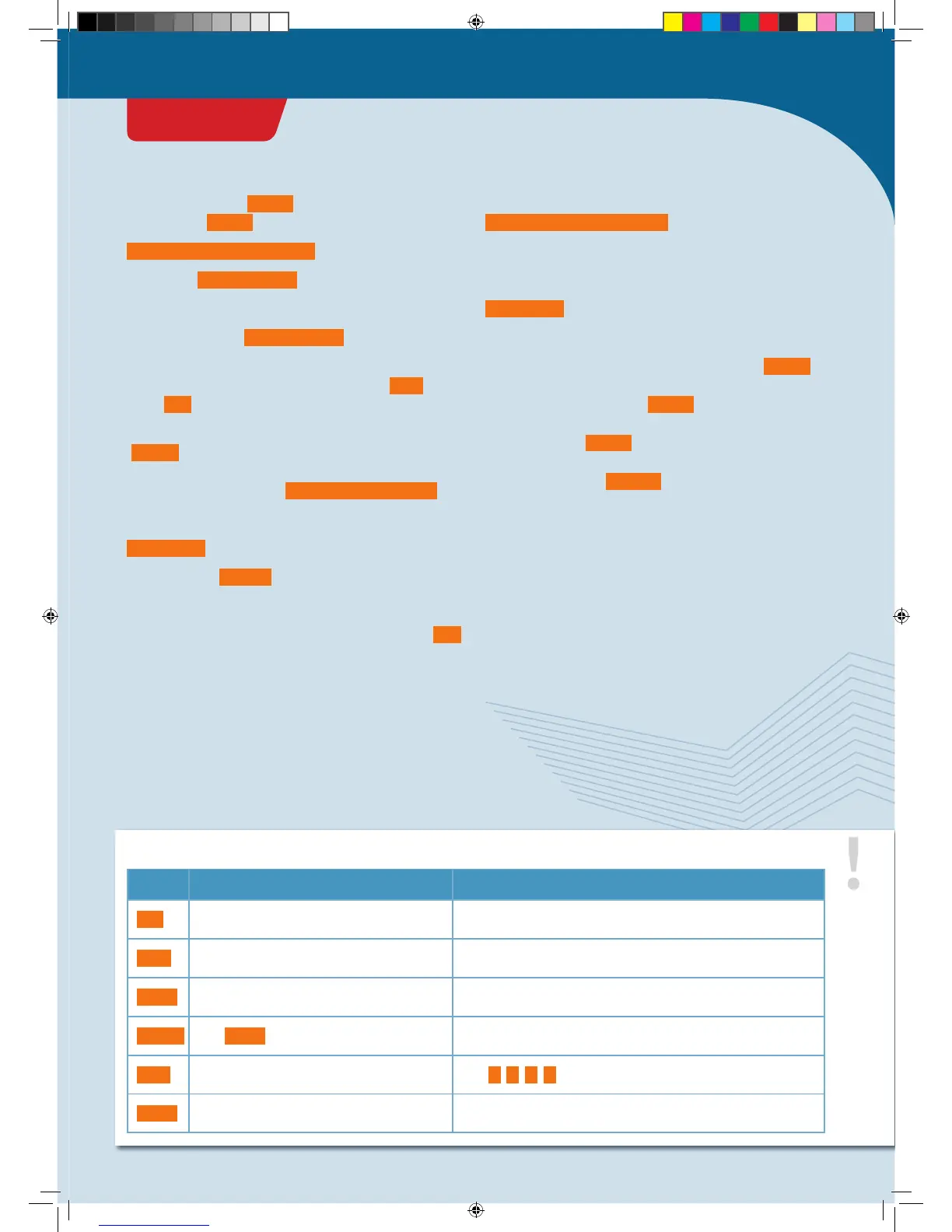
TYPES A few common type specifiers and their meanings
TYPE MEANING VALUES
int
Whole numbers or HIGH / LOW (on/off) -32,768 to 32,767
long
Whole numbers, large -2,147,483,648 to 2,147,483,647
float
Floating decimal numbers: numbers with a
decimal point
e.g., 1.5; 3.141; 2.678
double
Like
float
but with twice the precision
e.g., 3.141964; 21.45873
char
Individual letters
e.g.,
a
;
A
;
c
;
C
const
Unchangeable value Can take any values
PROJECT 1
CodeGamer
CodeGamer manual inside english.indd 13 7/19/16 12:31 PM


 To Next Page