EasyManua.ls Logo

Tharo Systems H-400 Series - User Manual

Tharo Systems H-400 Series
52 pages
Print Icon
To Next Page IconTo Next Page
Loading...
H-400/H-600
Series
Users Manual
P/N. 920-011211-01 Edition 12 February 2008

Table of Contents

Questions and Answers

Summary

Product Overview

General Information

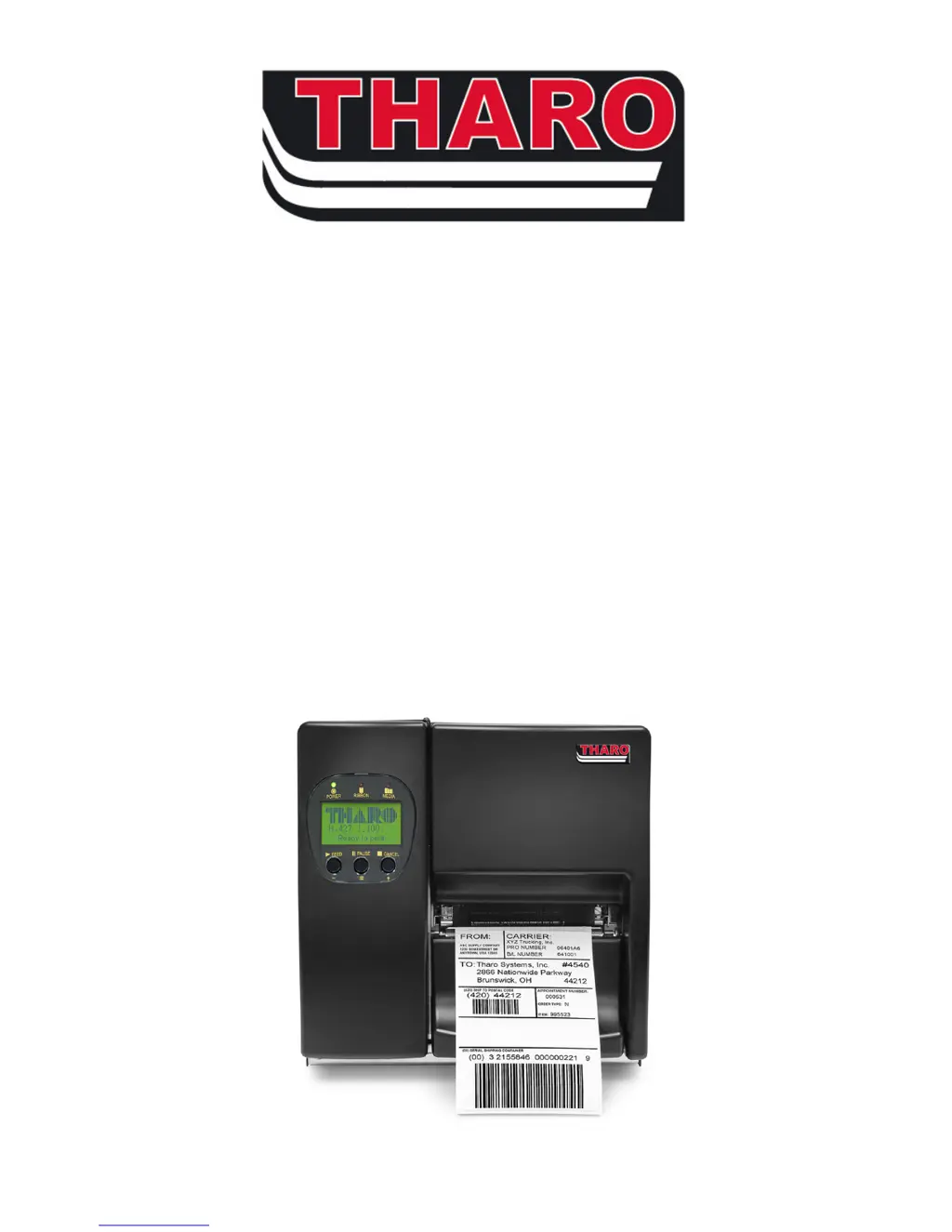
Core description of THARO H-400/H-600 series printers and their capabilities.

Printer Options

Details on optional accessories like cutters, rewind modules, and software.

Technical Specifications

Lists detailed technical specifications for H-400 and H-600 printer models.

Safety and Handling

General Safety Tips

Crucial precautions for safe operation, handling, and maintenance of the printer.

Printer Setup and Operation

Initial Connection and Setup

Steps for connecting the printer to power and a computer via various interfaces.

USB Installation Guide

Detailed guide for installing drivers and connecting via USB.

Control Panel Functions

Explains control keys, LED indicators, and basic printer operation.

Setting Mode Configuration

Guide to navigating and changing printer settings via the control panel menu.

Loading Media

Ribbon Installation

Step-by-step instructions for installing the thermal transfer ribbon correctly.

Label Installation

Guide on how to load label stock into the printer.

Installing Optional Accessories

H-400 Internal Rewind Module

Instructions for installing the internal rewind module on H-400 series printers.

H-600 Series Stripper Module

Procedures for installing the stripper module on H-600 series printers.

Cutter Installation

Guide for installing the optional cutter accessory on the printer.

Advanced Printer Features

Keyboard Standalone Printing

How to use the printer with a PS/2 keyboard for printing without a PC.

Downloading Formats with EASYLABEL

Instructions for downloading label formats to printer memory using EASYLABEL software.

Communication Interfaces

Connecting the Printer

Details on using Parallel, Serial, USB, and PS/2 interfaces for printer connectivity.

Troubleshooting and Maintenance

Printer Diagnostics

Procedures for performing self-tests and using dump mode for troubleshooting.

Error Messages and Solutions

Lists common LCD error messages and provides solutions for identified problems.

Printhead Maintenance

Steps for cleaning, adjusting printhead position, balance, and tension.

Firmware and Font Management

Instructions for upgrading printer firmware and downloading TrueType fonts.

Cutter Care and Repair

Procedures for clearing cutter jams and cleaning the cutter blade.

Tharo Systems H-400 Series Specifications

General IconGeneral
Operating Temperature41°F to 104°F (5°C to 40°C)
Print TechnologyThermal Transfer
Print Resolution203 dpi, 300 dpi
Maximum Print Width4.09 inches (104 mm)
ConnectivityEthernet
Supported Media TypesLabels, Tags
Power Requirements100-240 VAC, 50/60 Hz

Related product manuals