EasyManua.ls Logo

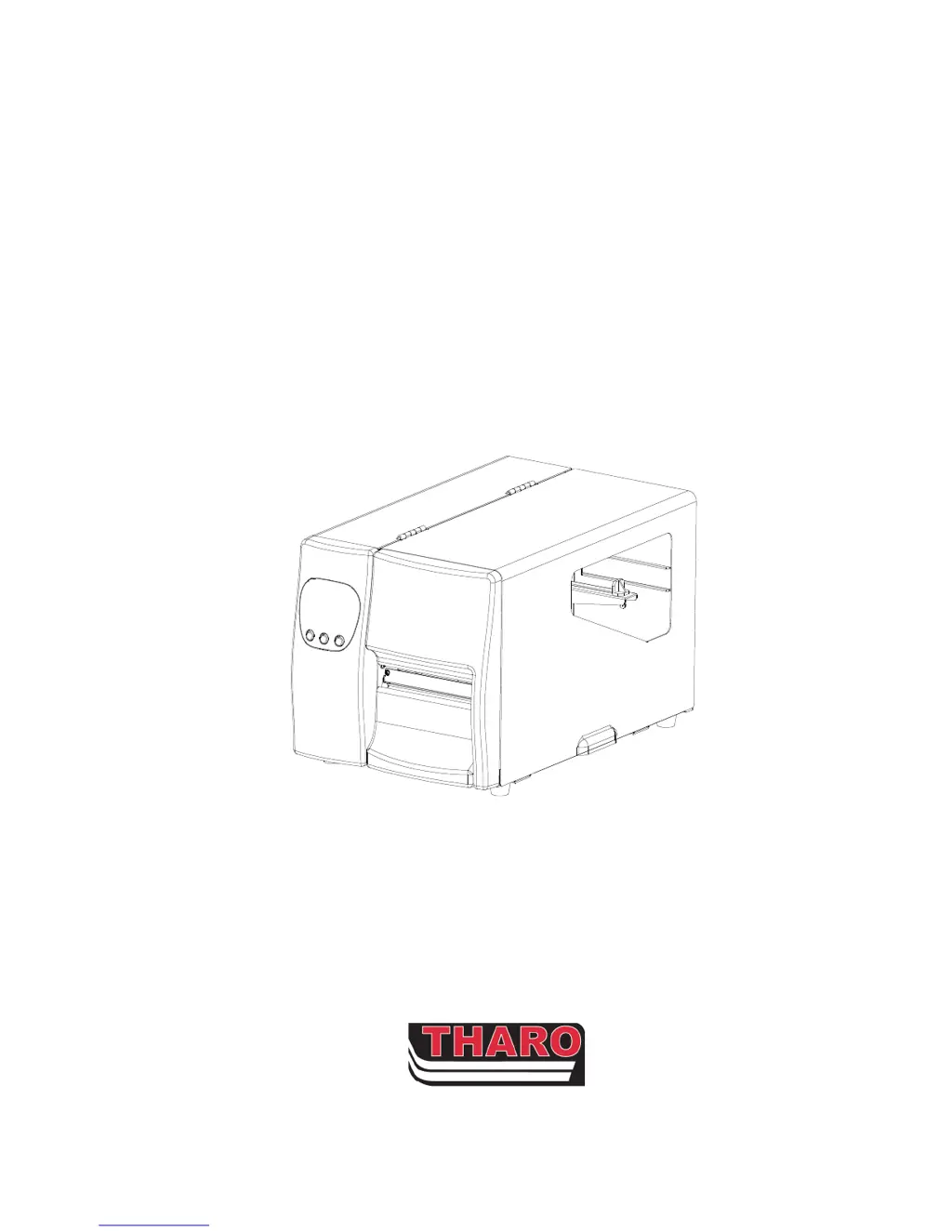
Tharo Systems H-427 - User Manual

Tharo Systems H-427
43 pages
Print Icon
To Next Page IconTo Next Page
Loading...
H
HH
H-
--
-427 / H
427 / H427 / H
427 / H-
--
-436 Thermal Transfer Printer
436 Thermal Transfer Printer 436 Thermal Transfer Printer
436 Thermal Transfer Printer
Parts / Service Manual
Parts / Service ManualParts / Service Manual
Parts / Service Manual
11-2007

Questions and Answers

  • D
    Diana PatelAug 19, 2025
    What to do if LED light turns red on Tharo Systems Printer?
    • E
      evansmelissaAug 19, 2025
      If the LED light on your Tharo Systems Printer turns red after printing stops, here's what to check: * Verify software settings or program command errors. * Ensure labels or ribbon are not depleted and replace them if necessary. * Check for label stock jams. * Confirm the Printhead Mechanism is properly closed. * See if the sensor is blocked by paper or label. * If a Cutter is installed, ensure it is functioning correctly.
  • Q
    qsuarezAug 21, 2025
    Why is my Tharo Systems Printer printing blank labels?
    • M
      Melissa SandersAug 21, 2025
      If your Tharo Systems Printer starts printing but nothing appears on the label, consider the following: * Ensure the ribbon is installed correctly, with the inked side facing the label media. * Verify that you've selected the correct printer driver. * Confirm that you're using the correct label stock and print mode.
  • S
    Steven YoungAug 23, 2025
    How to fix label jams on Tharo Systems H-427?
    • K
      kayla42Aug 23, 2025
      If labels are jamming during printing with your Tharo Systems Printer, clear the label jam and make sure that the Printhead is clean.
  • K
    kennedyjesseAug 26, 2025
    Why is my Tharo Systems Printer printing blurry labels?
    • M
      Mark ScottAug 26, 2025
      If you're experiencing smudged or blurry printouts from your Tharo Systems Printer, check the print darkness setting and ensure the Printhead is clean.
  • S
    Shelly JonesAug 28, 2025
    Why is my Tharo Systems H-427 only printing part of the label?
    • A
      Anthony BlackwellAug 28, 2025
      If your Tharo Systems Printer is only printing part of the label, consider the following: * Check if label or ribbon is stuck on the Printhead. * Check if application software has errors. * Check if start position setting has errors. * Check if ribbon has wrinkles. * Check if Ribbon Supply Shaft is creating friction with the platen roller. * Check if power supply is within the voltage range.
  • L
    Laurie PatelAug 30, 2025
    What to do if part of the label is not printing completely on Tharo Systems H-427?
    • A
      alan31Aug 30, 2025
      If part of the label is not printing completely on your Tharo Systems Printer, check if the Printhead is dirty. You can also use the internal command “~T” to perform a Test Print and check if the Printhead can print across its entire width. Also, verify the media quality.
  • W
    William TurnerSep 2, 2025
    Why is printout not in desired position on Tharo Systems H-427?
    • A
      april50Sep 2, 2025
      If the printout from your Tharo Systems Printer is not in the desired position: * Check if the sensor is covered by paper or is dirty. * Check if the liner is suitable for use, please contact Reseller for more information. * Check if the label roll edge is aligned with the Label Width Guide.
  • A
    Annette SimpsonSep 4, 2025
    Why is Tharo Systems H-427 skipping labels while printing?
    • K
      Kevin SandersSep 4, 2025
      If your Tharo Systems Printer is skipping labels during printing, check if an error occurs on label height setting and check if the sensor is covered by paper or is dirty.
  • K
    Karen AllenSep 6, 2025
    What to do if labels won't feed or cut abnormally on Tharo Systems Printer?
    • S
      Steven RamirezSep 6, 2025
      When using the Cutter with your Tharo Systems Printer, if the labels could not feed or abnormal cutting occurs: * Check if the Cutter is installed properly. * Check if the Paper Feed Rods are sticky. * Check that the label is greater than 35mm (1.38”) high so it can clear the Cutter.
  • J
    Justin McbrideSep 8, 2025
    How to fix a Tharo Systems H-427 Printer cutter that doesn't cut straight?
    • W
      williamstheresaSep 9, 2025
      If the cutter on your Tharo Systems Printer is not cutting straight, check if the label stock is installed correctly.

Tharo Systems H-427 Specifications

General IconGeneral
BrandTharo Systems
ModelH-427
CategoryPrinter
LanguageEnglish

Related product manuals