Need help?
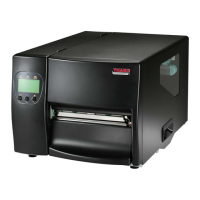
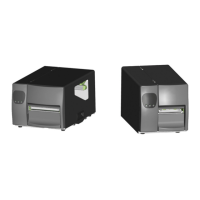
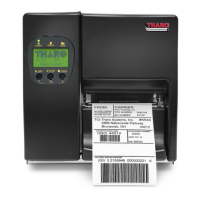
Do you have a question about the Tharo Systems H-427+ and is the answer not in the manual?
Step-by-step guide for loading various types of label stock.
Instructions for installing a new ribbon roll into the printer.
Details on establishing a physical connection between the printer and PC.
Guide for installing the bundled labeling software.
Procedures for calibrating the printer for label media and running self-tests.
Lists printer error messages, causes, and solutions.
Procedure for replacing the printer's print head.
Guide on how to clean the printer's thermal print head.
Common problems and their solutions for printer operation.
 General
| Print Resolution | 203 dpi |
|---|---|
| Memory | 8MB Flash/16MB DRAM |
| Print Technology | Thermal Transfer |
| Print Speed | 6 inches per second |
| Connectivity | USB, Serial |
| Media Type | Roll-fed labels |
| Label Length | 0.25 to 39 inches |
| Supply Roll Capacity | 8 inches OD |
| Supported Barcodes | Code 39, Code 128, UPC-A, UPC-E, EAN-8, EAN-13, Interleaved 2 of 5, Codabar, POSTNET, PDF417, Data Matrix, QR Code |


 To Next Page