8
Operation
4
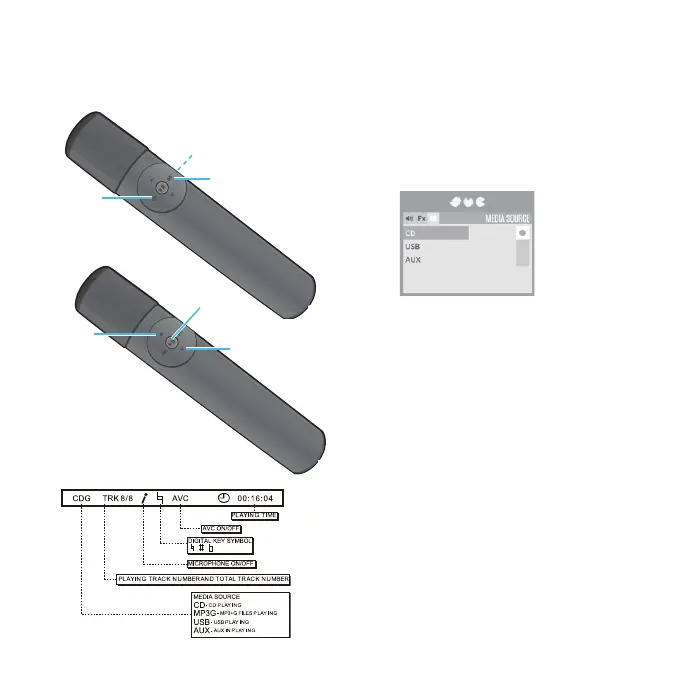
Press the MENU/Mic On-Off button;
the Menu will appear. Select the
Media Source option using the Skip
Forward 8/Skip Back 7 buttons.
5
Select CD using the Navigation 6/ 5
buttons.
6
Press the Play/Pause 4;/ Stop
button; playback will begin
automatically.
7
Adjust the volume on the 4TV using
the Navigation/ Volume Up 5/ Down
6 button.
Notes:
• You can also adjust the 4TV’s volume in the
Volume menu.
• Never place anything other than a CD in the
compartment as foreign objects can
damage the unit.
• If no disc is inserted, “NO DISC” will appear
on the screen.
Playing a CD or CD+G


 To Next Page