— E16 —
Operation
Using a Bluetooth Device (Continued)
5
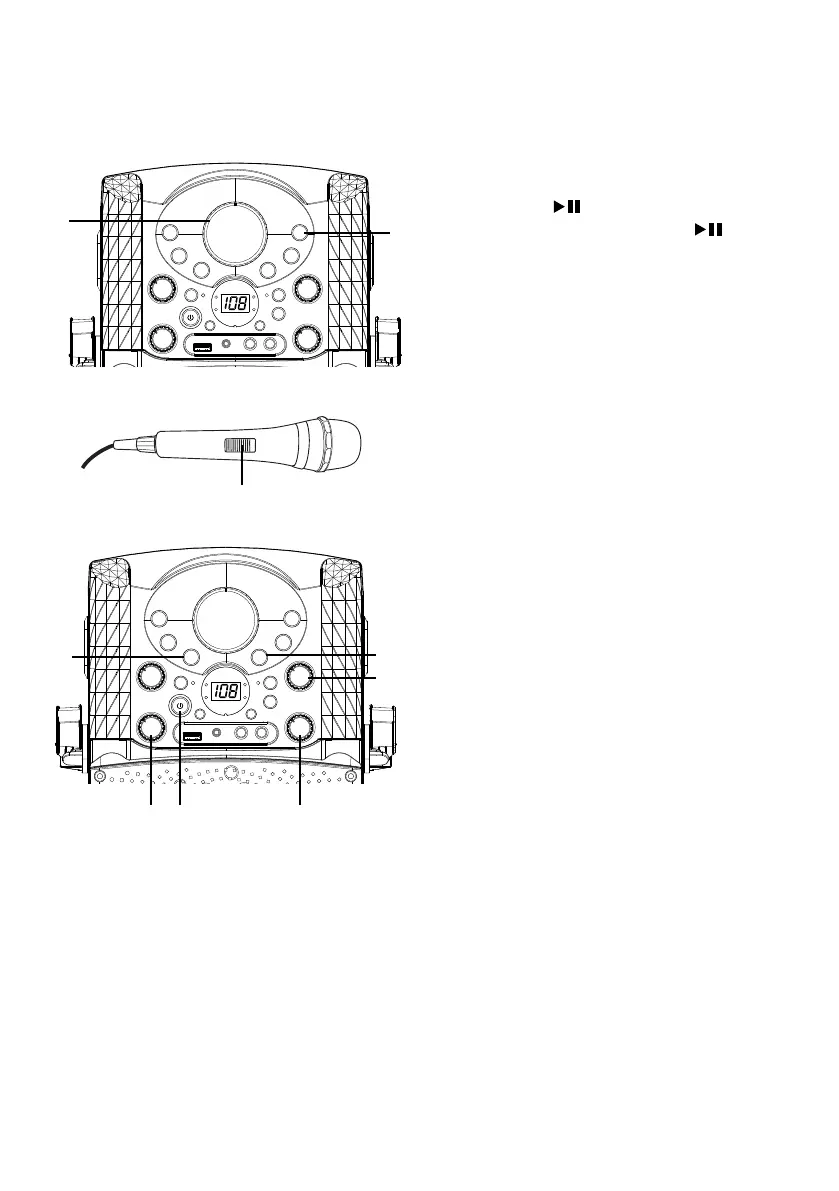
To control your Bluetooth device
from this unit, press the PLAY/
PAUSE button to start playback.
Press the PLAY/PAUSE button
during playback to pause the song.
6
Adjust the volume to a comfortable
level using the MASTER VOLUME
control on this unit as well as the
volume on your Bluetooth device.
7
Connect microphone(s) and slide the
ON/OFF switch on the microphone
to the ON position.
8
Adjust the MIC VOLUME control
as desired. Increasing this control
will increase the volume of both
microphones.
9
Rotate the ECHO control to add an
echo effect to your voice. Rotate
towards MAX to increase the echo
effect.
10
Adjust the balance between the
speakers using the BALANCE
control.
11
SKIP: Advance or go back one track
by pressing the Skip Back 9/Skip
Forward : buttons.
12
Press the power ON/OFF button to
turn the unit off.
y
U
V
W
Xat
ak
al
ak














 To Next Page