— E19 —
Operation
Recording Singing to the USB
u
1
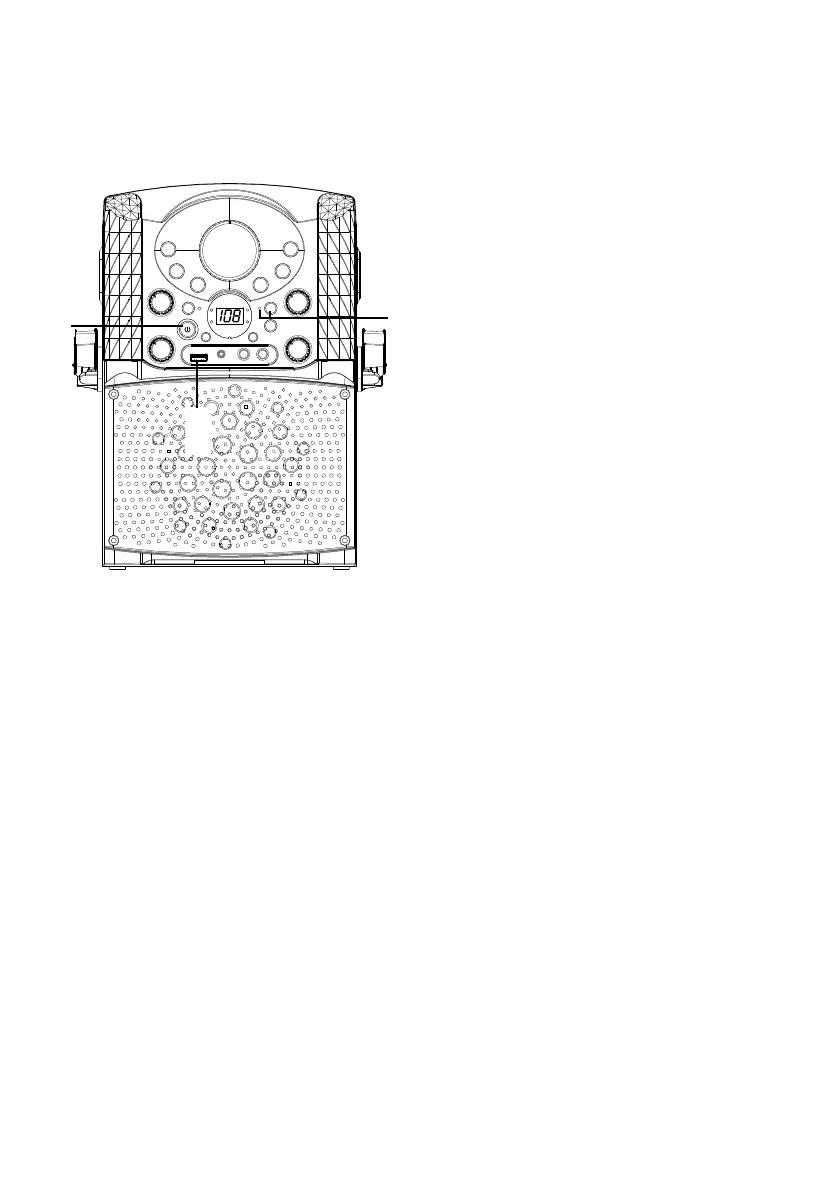
Connect the unit as described
previously. Press the power ON/
OFF button to turn the unit on.
RECORD CDG/CD MUSIC TO THE USB
2
Follow the “Playing a CDG”
instruction described on page E7
- page E10 to start the CDG/CD
music playback.
3
Insert a USB flash drive into the
USB port on the unit, press the
REC button; the REC indicator
will light up, the song will start
over and recording begin. When
recording is finished, press the
REC button again to stop.
RECORD BLUETOOTH MUSIC TO THE
USB
4
Follow the “Using a Bluetooth
Device” instruction described on
page E15 - page E16 to start the
Bluetooth music playback.
5
Insert a USB flash drive into the
USB port on the unit, press the
REC button; the REC indicator
will light up, the song will be
recording right the way. When
recording is finished, press the
REC button again to stop.
w
w
y
y














 To Next Page