— E20 —
RECORDING YOUR SINGING TO THE
USB
6
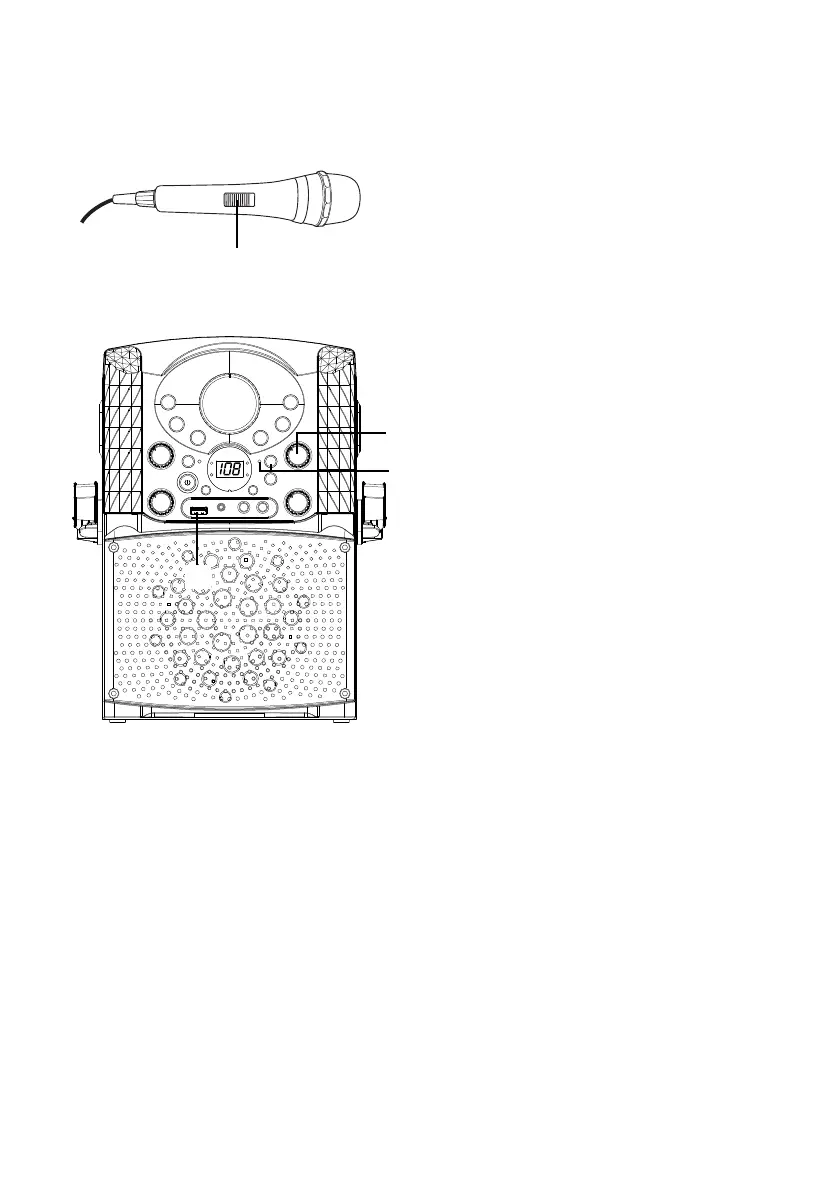
Connect microphone(s) and
slide the ON/OFF switch on the
microphone to the ON position.
7
Adjust the MIC VOLUME control
as desired. Increasing this control
will increase the volume of both
microphones.
8
Insert a USB flash drive into the
USB port on the unit, press the
REC button; the REC indicator
will light up, the song will be
recording right the way. When
recording is finished, press the
REC button again to stop.
Note: You cannot record from the USB
or Line in, only from a CD, CDG or
Bluetooth.
Operation
Recording Singing to the USB
U
W
V
W


 To Next Page
 Loading...










