— E12 —
am
Operation
Using a Bluetooth Device (Continued)
1 1
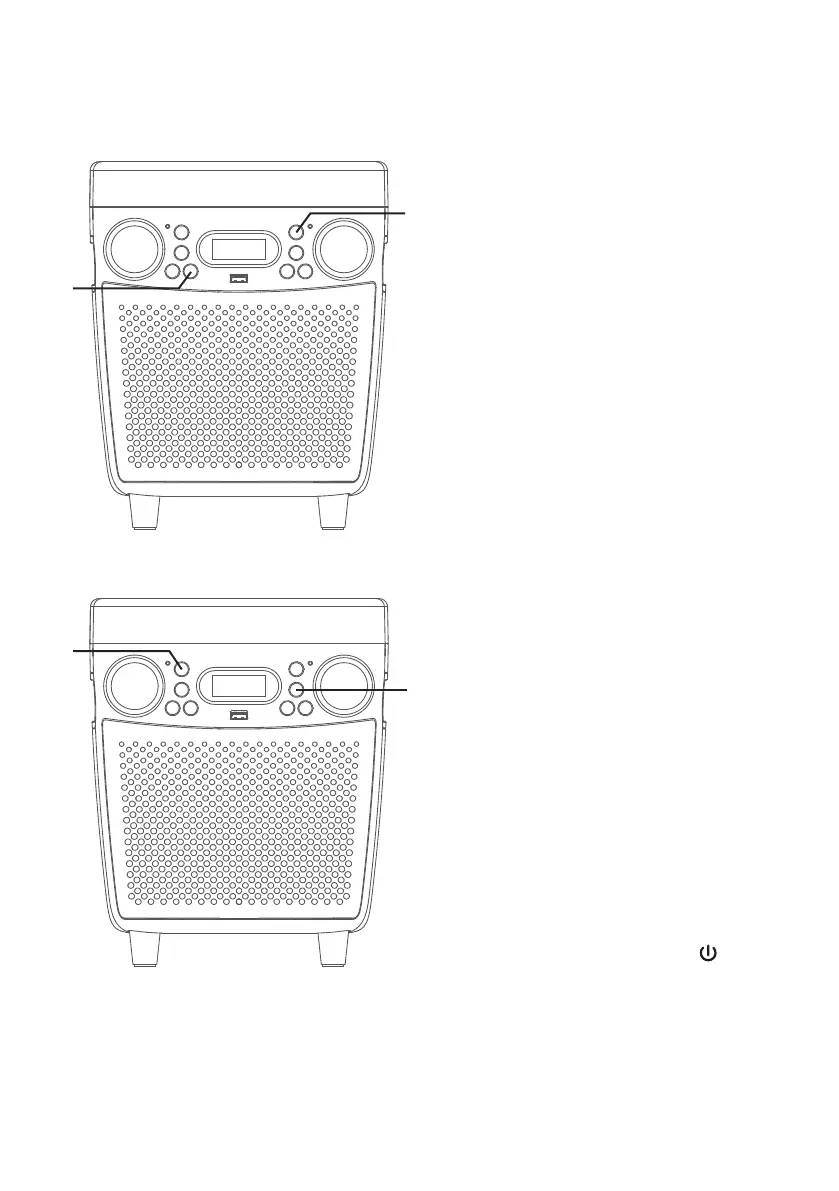
To sing without the lead singer on
the recording, press the VOCALS
OFF button; vocals off indicator
will turn on. To resume the lead
singer, press again.
NOTE: Lead vocal removal might work
better on some songs than others.
12
RECORD YOUR VOCAL
PERFORMANCE:
To record your singing as well as
the music, press the RECORD
button. Recording will begin and
the record indicator will light solid.
When done recording, press the
RECORD button again; the record
indicator will turn off.
NOTES:
• A USB drive (not included) must be
inserted into USB slot to record.
• The recorded audio file will record onto
the USB drive.
13
To playback your voice recording,
you can press the REC PLAYBACK
button; “Pb” will appear in the
display and the rec playback
indicator will turn on. Press again
to stop.
14
Press and hold the /LIGHTS
button to turn the unit off.
al
an
ak














 To Next Page