— E21 —
Operation
Using the LINE IN Jack (Continued)
6
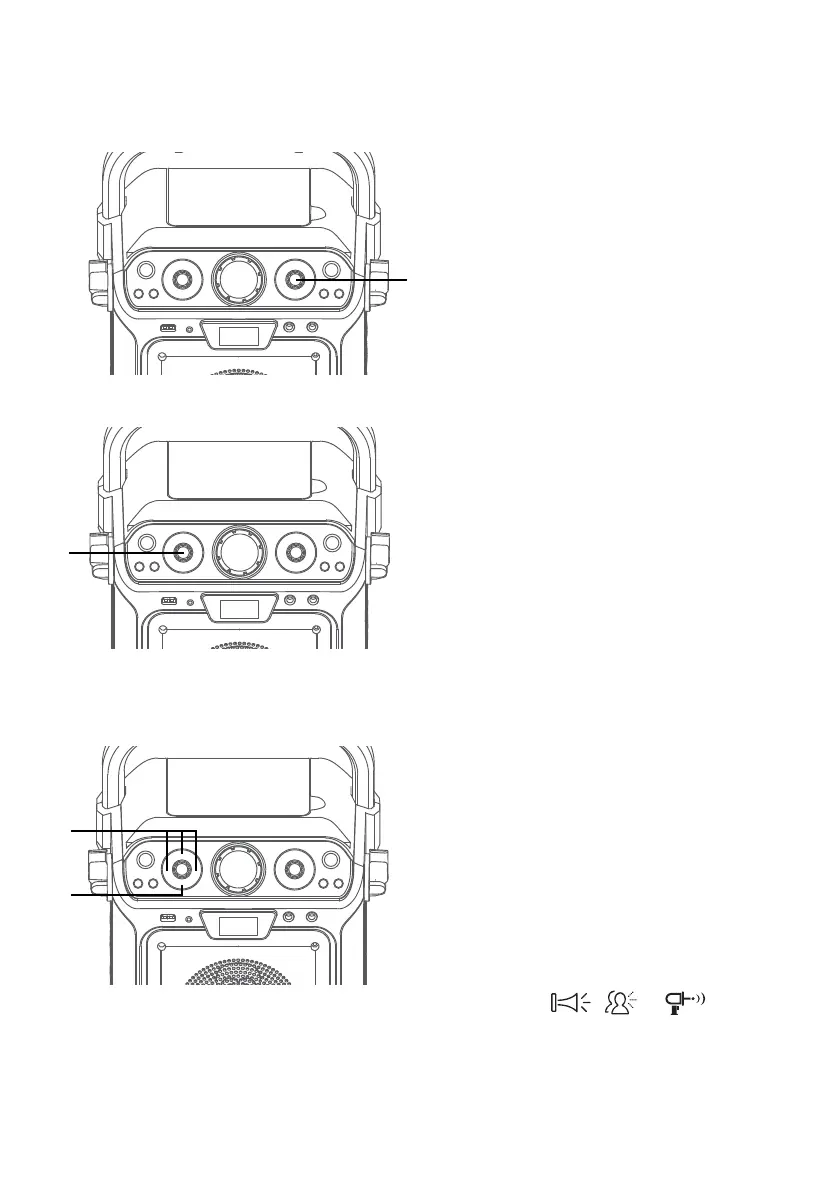
Adjust the MIC VOLUME control
as desired. Increasing this control
will increase the volume of both
microphones.
7
SING-ALONG WITH BUILT-IN
VOICE CHANGERS
There are 6 built-in voice changers
in this unit. Turn the VOICE
EFFECT knob and singer’s voice
will change as they sing into the
microphone.
EF0 - NONE,
EF1 - ECHO,
EF2 - FEMALE,
EF3 - MALE,
EF4 - CHIPMUNK,
EF5 - ROBOT, or
EF6 - RADIO.
8
SING-ALONG WITH BUILT-IN
LOOP SONGS
There are 3 built-in looped songs.
To select a song, press SONGS
button repeatedly. To end song
playback, cycle through all songs
and music will stop.
9
PLAYING BUILT-IN EFFECTS
Press , or button to
play three different built-in sound
effects.
U
V
X
W














 To Next Page