7
2. Set-Up
2.2 Connecting to Power Supply
Connectthesuppliedadapter(5V,1.0A)
totheDCINjack,thenplugtheotherend
intoapoweroutlet.
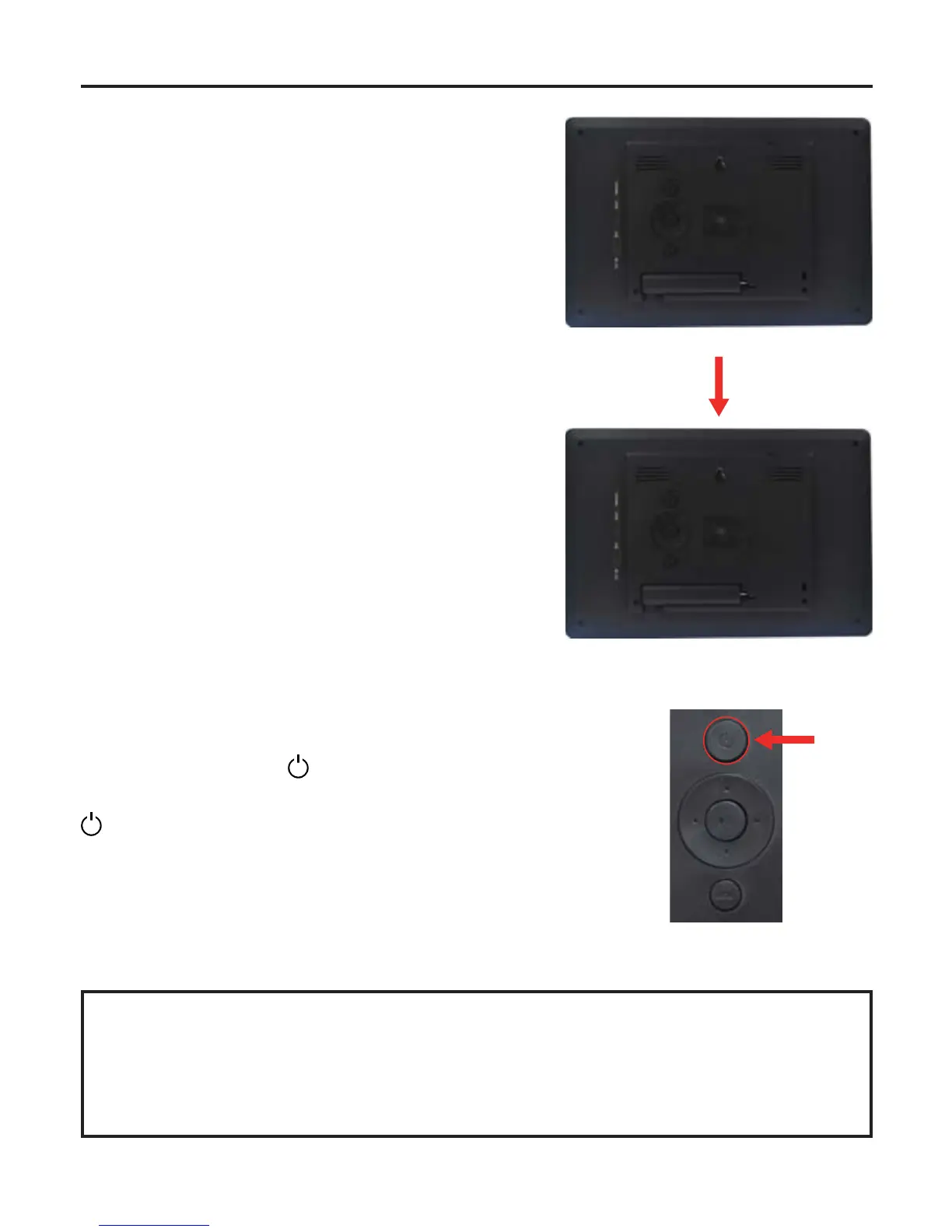
2.3 Placing the Picture Frame
Pulloutthestandfromthebackoftheunit
until the stand is in place.
Thepictureframeshouldbepositioned
horizontallyforportraitdisplay.
2.4 Power ON/OFF
Pressandholdthe
“POWER”buttonontheunit
for3secondstopowerON/OFFtheunit,orpressthe
“POWER”buttononremotecontroltopowerON/
OFFtheunit.
NOTE:
With regards to operation, these instructions are for the REMOTE ONLY.
You can also access the operation menus using the buttons on the frame.



 To Next Page