9
3. Operation
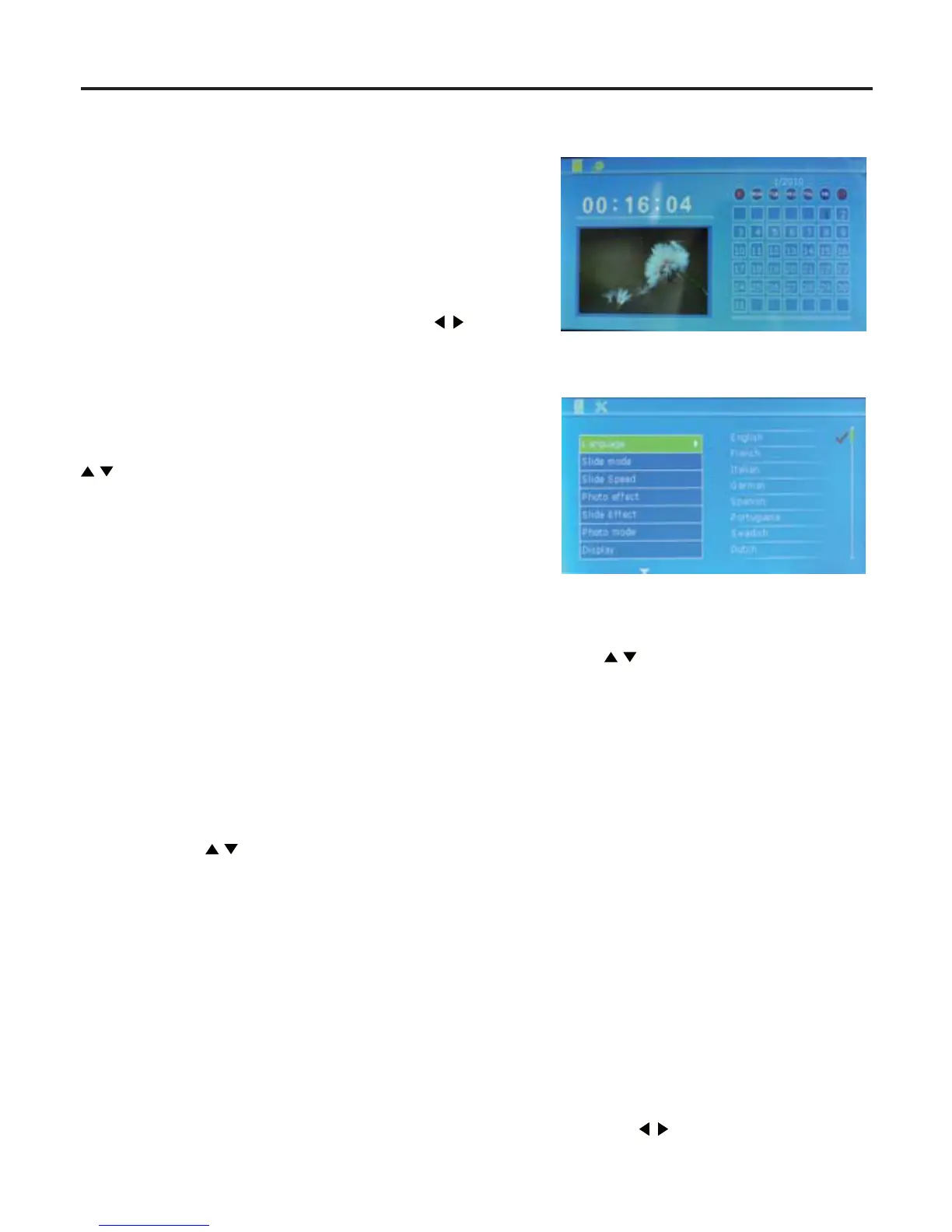
3.4 Calendar
Select“Calendar”fromthemainmenu,then
pressENTERtoenter.
Thecalendarisdisplayedandanyphotos
ontheconnectedmemoryareshownasa
slideshowontheleftsideofthecalendar.
Browsethedateinformationusing buttons.
3.5 Setup
Select“Setup”fromthemainmenu,then
pressENTERtoaccesstoSetupmenu.Use
toselectthesettingyouwanttosetup.
Optionsare:Language,SlideMode,Slide
Speed,PhotoEffect,SlideEffect,Photo
Mode,Display,Settime/date,Settime
format,Formatbuilt-inmemory,Reset
SettingandExit.
PressENTERtoshowthesubmenu,selectwith ,thenpressENTER
toconrm.
3.5.1 Language:English,French,Italian,German,Spanish,Portuguese
SwedishandDutch
3.5.2 Slide mode:Singlewindow,threewindowsandfourwindows
3.5.3 Slide speed: 3/5/15/30seconds,1/5/15/30minutesand1hour:
Use
toselectthespeed,pressENTERtoconrm,thenpress
ENTERtocompletetheslidespeedsetting.
3.5.4 Photo Effect:Colour,Mono,Sepia.
3.5.5 Slide effect:Random,SplitHorizontalin,SplitHorizontalout,
Jalousie,SplitVerticalin,SplitVerticalout,Radiation,Surround,



 To Next Page