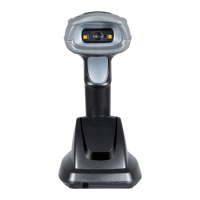
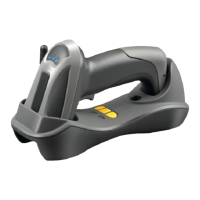
What to do if Themis Barcode Reader laser is on but not decoding?
N
norrischristopherAug 5, 2025
If the laser is on but your Themis Barcode Reader isn't decoding, consider these possibilities:
* The bar code symbol might be unreadable, so check for any damage. You could also try scanning test symbols of the same bar code type.
* The scanner might not be programmed for the bar code type you're using. Ensure it's correctly programmed.
* The distance between the scanner and the bar code could be off. Try moving the scanner closer or further away.
K
Kenneth DeanAug 15, 2025
Why is my Themis Barcode Reader not working?
J
James TorresAug 15, 2025
If your Themis Barcode Reader isn't working or is behaving erratically, it could be due to a few reasons:
* **Power Issues**: Ensure the system power is on and the power supply is properly connected.
* **Incorrect Cables**: Try using the original cables.
* **Loose Connections**: Check all cable connections to make sure they are secure.
Y
yschwartzAug 25, 2025
How to fix incorrectly displayed data from Themis Barcode Reader?
K
kayla45Aug 25, 2025
If scanned data is incorrectly displayed from your Themis Barcode Reader, ensure that the scanner is programmed to work with the host. For RS-232, verify that the scanner’s communication parameters match the host’s settings. For a USB-HID keyboard or a keyboard wedge configuration, make sure the system is programmed for the correct keyboard type and language, and that the CAPS LOCK key is in the correct state.


 To Next Page
 General