Document Name
User Manual
Document No. TG-TPP-001
Model
Theragun PRO PLUS
Rev
01
Page 13 of 24
Step 2 Get the Therabody app
We’ll guide you through a stress-free setup and show you how to get the most out
of your fully personalized app experience.
Step 3 Feel the difference.™ Every day.
Take a deep breath and treat yourself with guided treatment presets or go
freestyle with 5 preset speeds. It’s all designed for you.
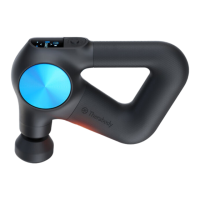
Set up : Select the mode and press the center button to enter the "Quick start"
mode. The number in the upper left of the screen shows the treatment time, the battery
power in the upper right corner, the current set speed in the middle, and the small icon
in the lower part is from left to right: Play/pause icon -> percusive icon(this icon is not
displayed if the device is connected to a vibration or cold attachment, because Vibration
and Cold attachment disable the percusive function) -> functional attachment icon(if
the device is connected to a function attachment, the corresponding attachment icon is
displayed here) -> LED icon.
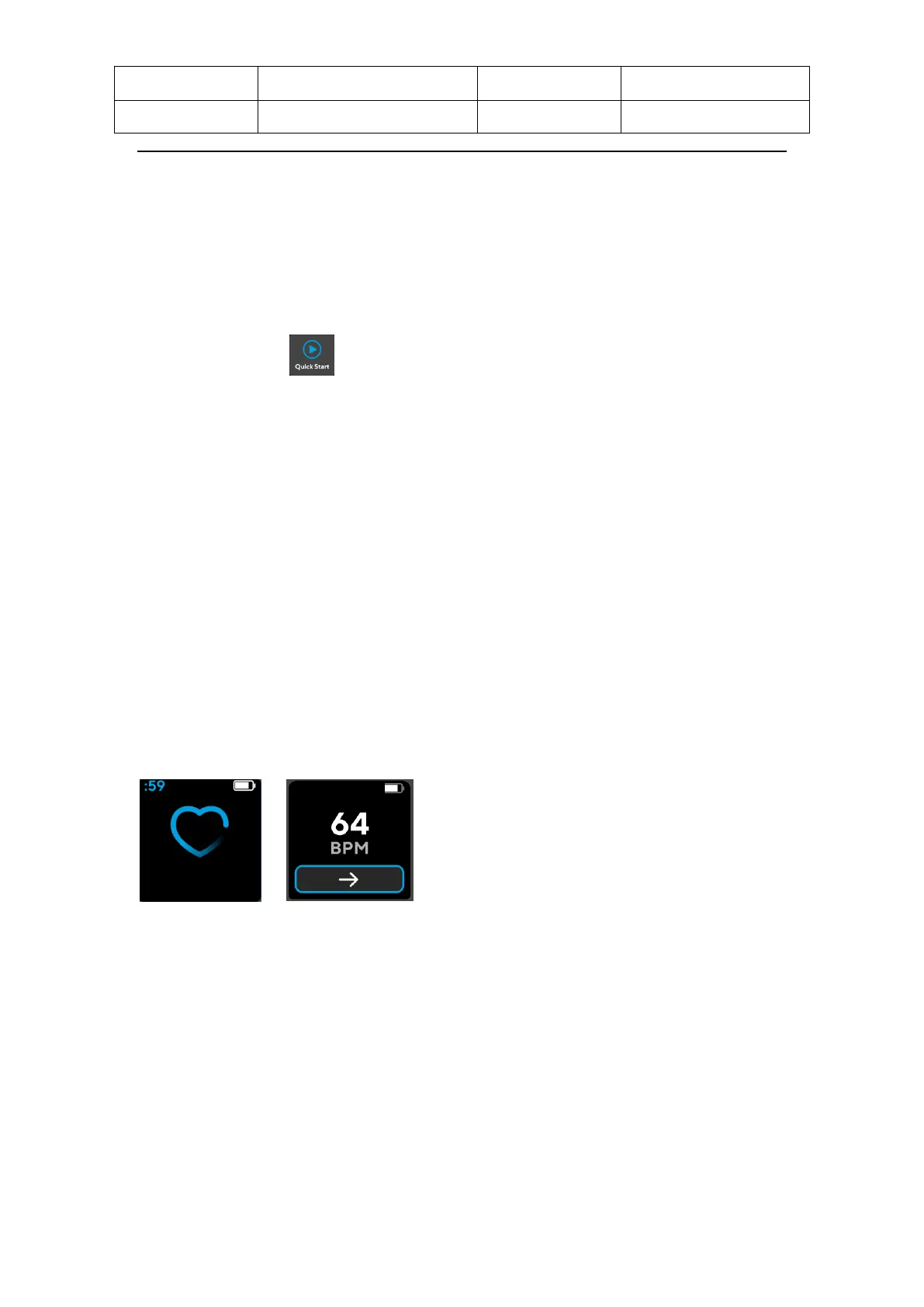
HR sensor: Double click the heart rate sensor with your finger to enter the heart
rate detection interface, accompanied by the release of the vibration motor. Do
not move your finger on the heart rate detection site. After the heart rate is
measured and displayed on the screen. Double-click the heart rate detection
and return to the main interface or press the center button to return to the main
interface (the heart rate graph is displayed at the top of the heart rate detection
interface, HR value is displayed in the middle ). Holding down the middle button
will turn off the device at any time
3.5 Using the Theragun device
1) To turn on the Theragun device, firmly press and hold the center button on
the button pad .
2) Press the up (Λ) and down (v) arrows to toggle between 5 preset speeds
and adjust your treatment level.
3) To turn off the Theragun device, firmly press and hold the center button on


 To Next Page