11
6. To accept pairing pick up the handset and hold firmly to unlock, press and hold SET for a few seconds.
7. The handset will beep, and the green light will be permanently lit when held.
8. A solid green light, when held, indicates the handset is in fire operation mode, and has established
good communication with the valve.
A video companion for this process is available here, Or search “TESC Gas Control - Displayless handset pairing
(May 2014 onwards)”.
2.7 USING THE NON-DISPLAY HANDSET.
IMPORTANT USER INFORMATION – READ THIS BEFORE ATTEMPTING TO OPERATE THE FIRE.
NOTE: The handset is paired to the fire during manufacture. DO NOT ALTER THE PAIRING.
For normal use:-
Prior to using the handset for the first time insert new, alkaline, AA batteries into the valve and handset. Ensure
they are mounted firmly and in the correct orientation, and that the battery covers are replaced fully. Ensure
the small isolation switch on the gas control is switched to the ON (I) position.
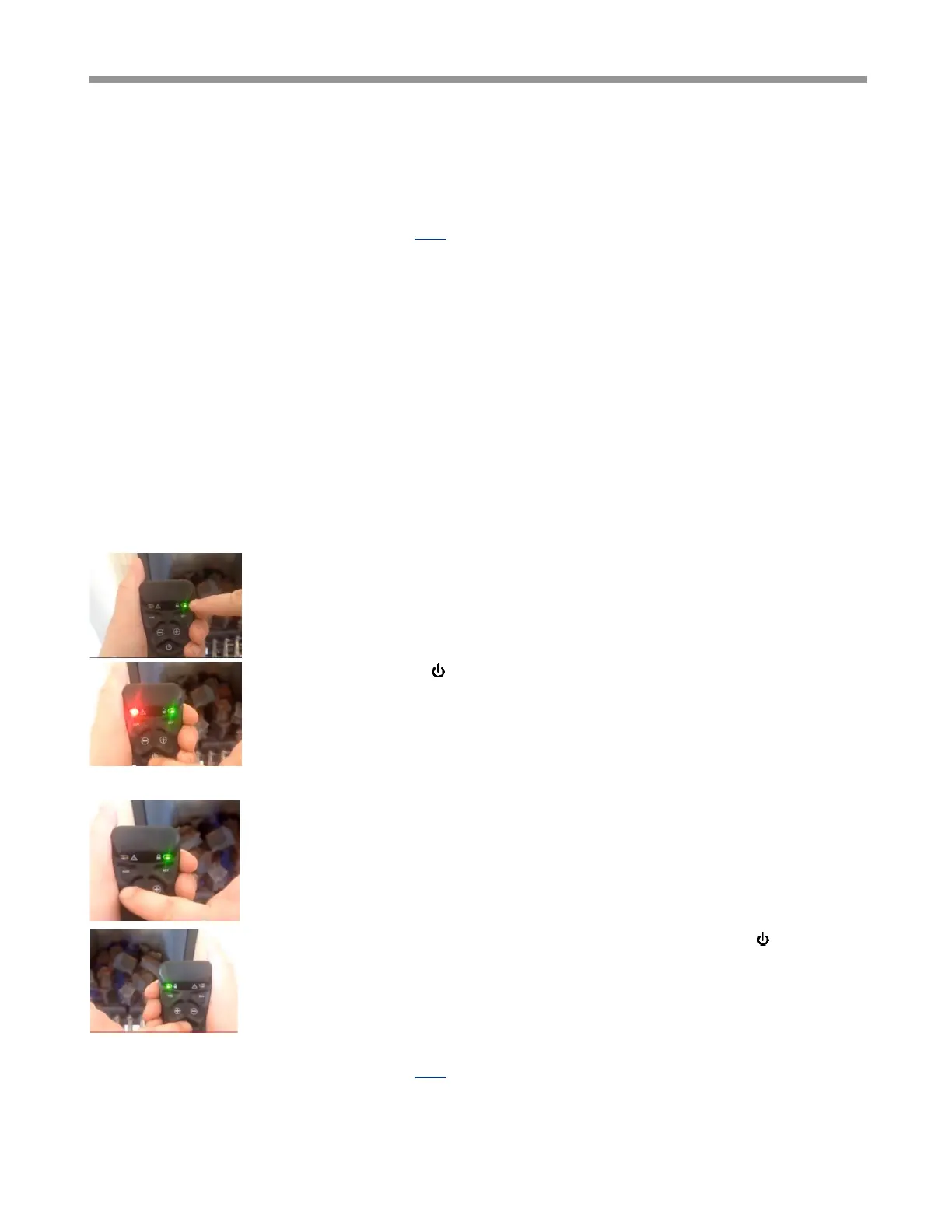
Hold the handset as shown, wrapping your hand around the handset to make good
contact with both sides. The green unlock light should illuminate, activating the buttons
(if the light is not illuminated, the buttons will not work).
Press and hold the power button (approx. 2 seconds). Release power button as soon
as red light comes on. The fire will then light.
NOTE: Releasing the power button too soon or depressing for too long after the red light illuminates, will
cause the fire not to light because system assumes press to be unintentional.
To adjust the flame, hold handset to active buttons, and use + and – to increase or
decrease flame power accordingly. Tapping the button will increase or decrease flame
stepwise, holding the button will skip through steps.
To STOP the fire, hold handset to activate buttons, then press the power button. The
fire should shut off immediately (n.b. residual heat will remain). The red light will flash
for a few seconds. If you wish to start the fire again you must wait for light to stop
flashing before trying to re-start.
A video companion for this process is available here, or search “TESC Gas Control - using Non Display Handset”.



 To Next Page