EasyManua.ls Logo

Thermo Scientific Invitrogen AMQAX2000 - User Manual

Thermo Scientific Invitrogen AMQAX2000
56 pages
Print Icon
To Next Page IconTo Next Page
Loading...
For Research Use Only. Not for use in diagnostic procedures.
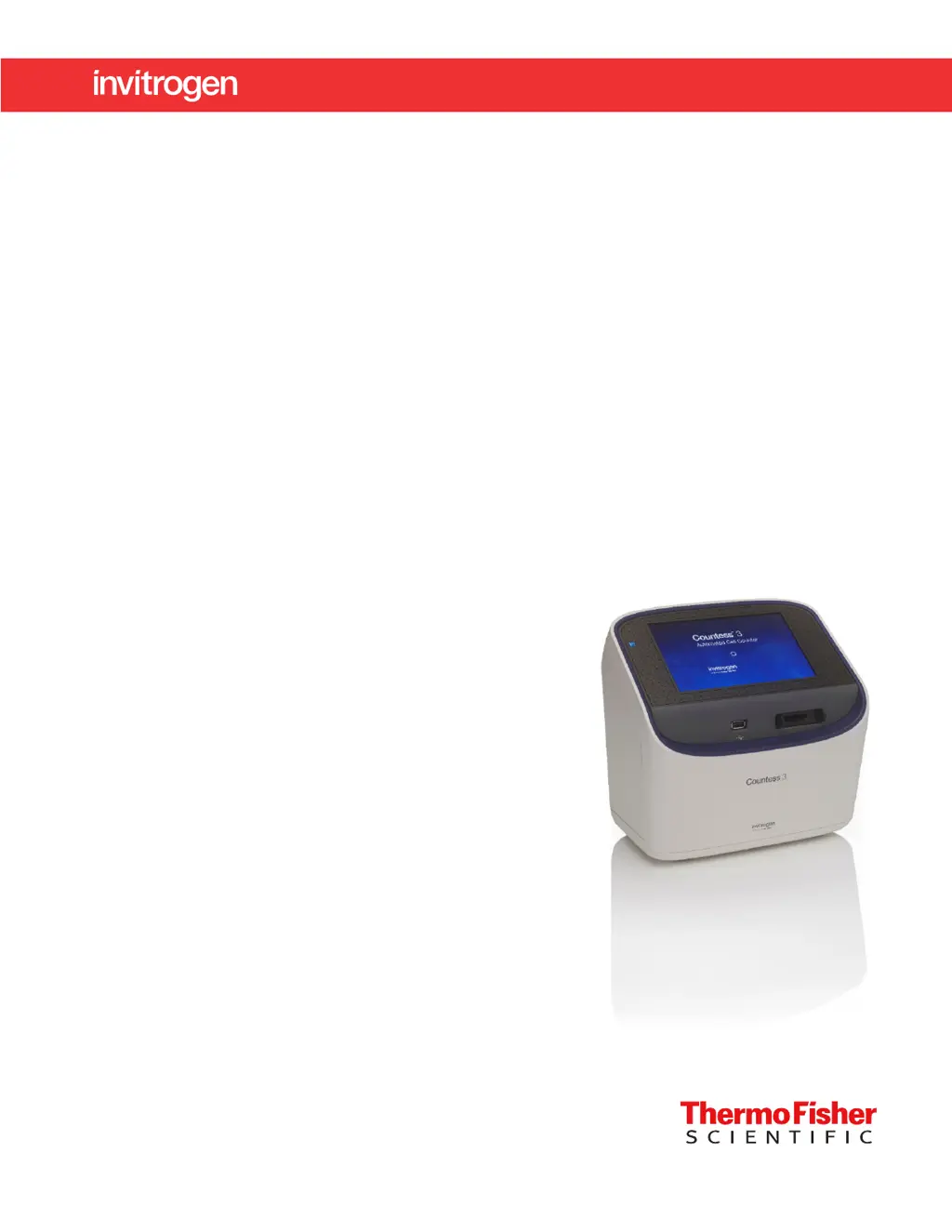
Countess
3 Automated Cell Counter
USER GUIDE
Catalog Number AMQAX2000
Publication Number MAN0019566
Revision A.0

Table of Contents

Questions and Answers

  • J
    Jennifer BerryAug 5, 2025
    Why does the Thermo Scientific Cash Counter count live cells as dead?
    • V
      Valerie WeberAug 6, 2025
      If the Thermo Scientific Cash Counter counts live cells as dead, several factors could be at play. First, ensure the cells are correctly focused, so live cells have bright centers, and dead cells are dark throughout. If cells are well-focused with bright centers but still counted as dead, check that they are within the appropriate size range and adjust the settings. Also, if cells are exposed to trypan blue for too long, viability could be affected. Finally, optimize capture settings by gating out debris using the size, brightness, and circularity sliders.
  • J
    Jaclyn HodgeAug 10, 2025
    How to include all cells in the count on Thermo Scientific Cash Counter?
    • U
      uruizAug 10, 2025
      To include all cells in the count on the Thermo Scientific Cash Counter, adjust the settings. For brightfield cell count and cell viability assays, modify the size, brightness, and circularity gates for both live and dead cells. For fluorescence assays, adjust the size, brightness, circularity, and fluorescence intensity gates in all available channels. Ensure channels are optimally illuminated in both brightfield and fluorescence modes (only in Countess™ 3 FL Automated Cell Counter). When the gates are fully maximized, the CSV should indicate 0–70 for cell size and 0–255 for brightness. After including all of the cells in the count, you can narrow the count criteria to exclude cells of a certain size or brightness.
  • S
    sandrabennettAug 14, 2025
    How to fix the error when updating the Thermo Scientific Invitrogen AMQAX2000 software?
    • C
      Courtney HughesAug 14, 2025
      To resolve issues updating the Thermo Scientific Cash Counter software, ensure the USB drive is formatted to FAT32. The update file should be at the root of the USB drive, not in a folder, and the file must not be renamed, zipped, or compressed; it must be uncorrupted during transfer and have a .lft suffix. If needed, check that the USB port is functional by testing a USB mouse.
  • S
    samantha06Aug 19, 2025
    Why am I getting variable counts for the same sample of cells using the Thermo Scientific Invitrogen AMQAX2000 Cash Counter?
    • K
      Kenneth HollowayAug 19, 2025
      Variable counts for the same cell sample on the Thermo Scientific Cash Counter can be attributed to incorrect pipetting or mixing. Use recently calibrated pipettors, and ensure the cells are well suspended by pipetting up and down several times before adding trypan blue.
  • S
    Sherry TownsendAug 23, 2025
    What to do if the Thermo Scientific Invitrogen AMQAX2000 shows an incorrect concentration for the test beads?
    • B
      brittanykelleyAug 23, 2025
      If the Thermo Scientific Cash Counter shows an incorrect concentration for the test beads, it may be because the beads settled quickly in solution. Vortex the bead stock on high for 30 seconds to resuspend, and add 10 µL of the bead suspension to 10 µL of trypan blue without delay. Pipet the bead and trypan blue mixture up and down several times to make sure it is well mixed and immediately load 10 µL into the slide.
  • M
    Michael NelsonAug 27, 2025
    Why are there variable counts when performing replicate counts of the same slide on the Thermo Scientific Invitrogen AMQAX2000?
    • R
      robertyatesAug 27, 2025
      Variable counts when performing replicate counts of the same slide on the Thermo Scientific Cash Counter can occur if the slide was mishandled or viewed differently multiple times. Visually inspect that all cells are counted correctly in the image. There may be a slightly different field of view each time a slide is inserted. Count cells at a higher concentration to reduce variability. Make sure you do not shake or agitate the slide between counts.
  • D
    David WernerAug 31, 2025
    What to do if Thermo Scientific Cash Counter does not recognize the USB drive?
    • D
      David AndersonAug 31, 2025
      If the Thermo Scientific Cash Counter does not recognize the USB drive, the USB drive must be FAT32 formatted. If it is not, reformat the USB drive to FAT32. Try another correctly formatted USB drive.

Thermo Scientific Invitrogen AMQAX2000 Specifications

General IconGeneral
BrandThermo Scientific
ModelInvitrogen AMQAX2000
CategoryCash Counter
LanguageEnglish

Related product manuals