EasyManua.ls Logo

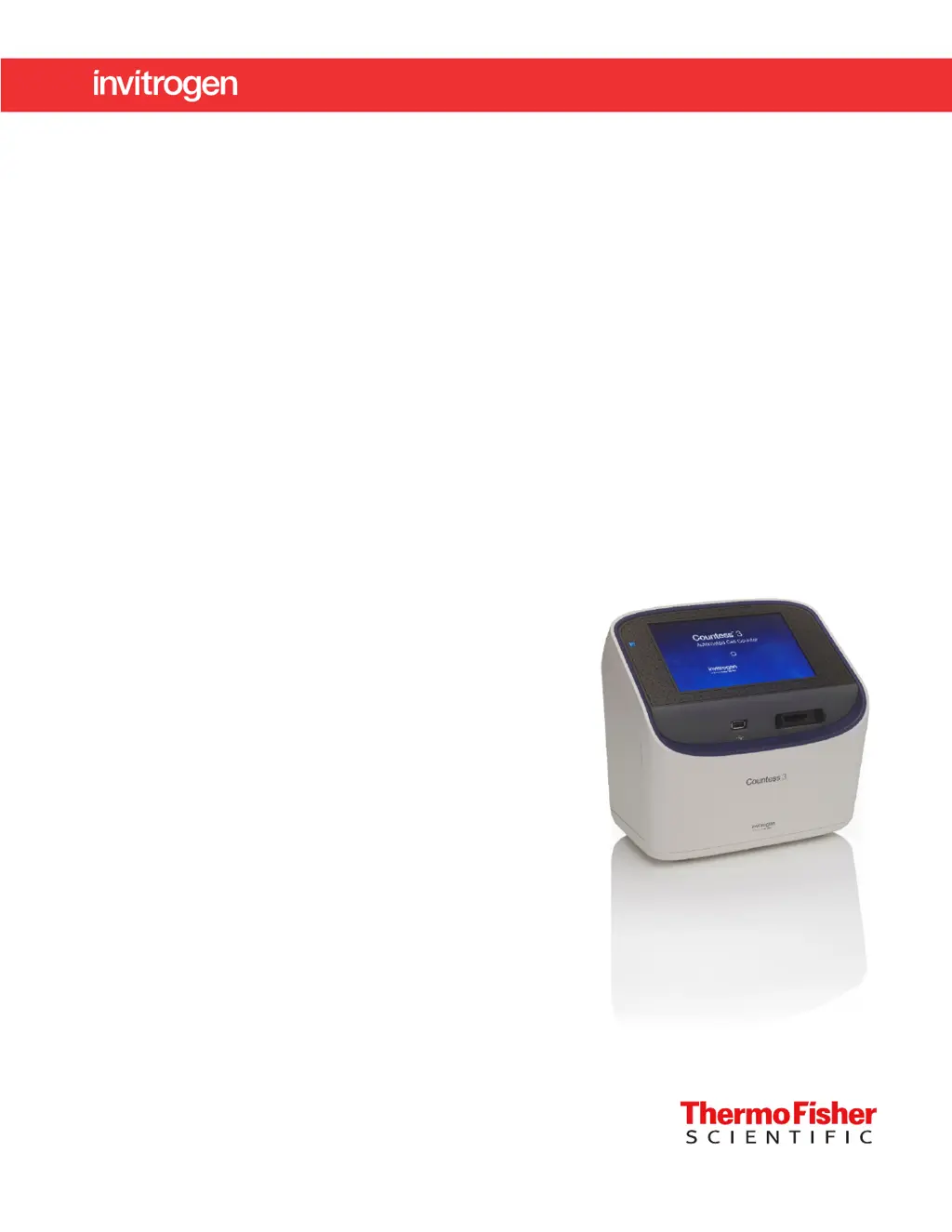
Thermo Scientific Invitrogen Countess 3 - User Manual

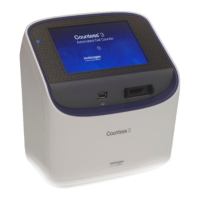
Thermo Scientific Invitrogen Countess 3
56 pages
Print Icon
To Next Page IconTo Next Page
Loading...
For Research Use Only. Not for use in diagnostic procedures.
Countess
3 Automated Cell Counter
USER GUIDE
Catalog Number AMQAX2000
Publication Number MAN0019566
Revision A.0

Table of Contents

Questions and Answers

Summary

Product Information

Product Description

Details the Countess™ 3 Automated Cell Counter, its features, and capabilities for cell analysis.

Instrument Receiving and Setup

Instructions for inspecting the instrument upon arrival and its initial setup procedures.

Instrument Registration and Parts Identification

Guidance on registering the instrument and identifying its external components.

Instrument Installation and Configuration

Operating Environment Requirements

Specifies optimal conditions for instrument placement, temperature, and humidity.

Instrument Installation and Power On Procedure

Step-by-step guide for unpacking, setting up, and powering on the instrument.

Connect Account Setup and Login

Procedures for setting up a new or logging into an existing Thermo Fisher Connect account.

Custom Templates for Cell Counting

Template Management and Functions

Overview of the Templates screen, including creating, editing, importing, and exporting templates.

Count Parameter Adjustment

Details on adjusting gating parameters like size, brightness, and circularity for cell counts.

Loading and Using Templates

Steps for loading, creating, and editing custom templates for consistent cell counting.

Cell Counting Slide Preparation and Loading

Sample and Slide Preparation Recommendations

Best practices for preparing cell samples and slides for accurate counting.

Loading Cell Counting Chamber Slides

Detailed instructions for preparing and loading disposable Countess™ cell counting chamber slides.

Loading Countess Reusable Slides

Procedure for preparing and loading the reusable Countess™ glass slide for cell counting.

Performing Cell Counts and Viability Assays

Brightfield Cell Counting Procedure

Steps for capturing and counting cells using brightfield illumination and auto-focus.

Analyzing Assay Results and Next Steps

Guidance on interpreting results, viewing histograms, gating, and next actions after a count.

Identifying and Gating Cells in Results

Methods for marking live/dead cells and adjusting count parameters using gating features.

Saving Custom Templates from Results

How to save adjusted count parameters as new templates after performing a count.

Instrument Calculators for Dilution and Splitting

Pre-Dilution Calculator Usage

Tool to calculate the necessary sample dilutions before loading for cell counting.

Cell Splitting Calculator Usage

Tool to determine sample and buffer volumes for achieving a desired cell concentration.

Saving and Exporting Experiment Data

Saving Experiment Results and Options

Overview of saving options including results, images, reports, and CSV or FCS files.

Step-by-Step Data Saving Procedure

Detailed steps for saving experiment data to USB drive or Thermo Fisher Connect account.

Instrument Settings and Configuration

Navigating Instrument Settings

Accessing and overview of various instrument settings and functions available.

Network Connectivity and Software Updates

Instructions for connecting to Wi-Fi and updating the instrument's software.

Configuring Date, Time, and Cloud Region

Procedures for setting the instrument's date, time, and selecting the cloud region.

Instrument Maintenance and Cleaning

General Instrument Care and Power

Guidelines for basic instrument care, including power supply and cleaning precautions.

Cell Counter Cleaning and Decontamination

Detailed instructions for cleaning the touchscreen, instrument case, and decontamination.

Troubleshooting Common Issues

Problem Diagnosis and Solutions

Lists common observations, their possible causes, and recommended actions for troubleshooting.

Instrument Technical Specifications

Physical and Performance Specifications

Details on instrument dimensions, weight, operating requirements, and technical specs.

Optics and Analysis Slide Specifications

Information regarding the instrument's optics and the specifications of analysis slides.

Countess 3 Counter and Accessories

Available Accessories and Consumables

List of compatible accessories, consumables, and their catalog numbers for the Countess™ 3.

CSV File Format Definition

CSV Data Structure Overview

Explanation of the comma-separated values (CSV) file format and its data categories.

Safety Precautions and Guidelines

Chemical Handling Safety

Guidelines for the safe handling, storage, and disposal of chemicals and hazardous waste.

Biological Hazard Safety

Precautions and procedures for working with potentially biohazardous samples and materials.

Documentation and Technical Support

Customer Support and Resources

Information on accessing customer and technical support, product documentation, and warranty.

Limited Product Warranty

Details regarding the product's limited warranty coverage and terms of sale.

Summary

Product Information

Product Description

Details the Countess™ 3 Automated Cell Counter, its features, and capabilities for cell analysis.

Instrument Receiving and Setup

Instructions for inspecting the instrument upon arrival and its initial setup procedures.

Instrument Registration and Parts Identification

Guidance on registering the instrument and identifying its external components.

Instrument Installation and Configuration

Operating Environment Requirements

Specifies optimal conditions for instrument placement, temperature, and humidity.

Instrument Installation and Power On Procedure

Step-by-step guide for unpacking, setting up, and powering on the instrument.

Connect Account Setup and Login

Procedures for setting up a new or logging into an existing Thermo Fisher Connect account.

Custom Templates for Cell Counting

Template Management and Functions

Overview of the Templates screen, including creating, editing, importing, and exporting templates.

Count Parameter Adjustment

Details on adjusting gating parameters like size, brightness, and circularity for cell counts.

Loading and Using Templates

Steps for loading, creating, and editing custom templates for consistent cell counting.

Cell Counting Slide Preparation and Loading

Sample and Slide Preparation Recommendations

Best practices for preparing cell samples and slides for accurate counting.

Loading Cell Counting Chamber Slides

Detailed instructions for preparing and loading disposable Countess™ cell counting chamber slides.

Loading Countess Reusable Slides

Procedure for preparing and loading the reusable Countess™ glass slide for cell counting.

Performing Cell Counts and Viability Assays

Brightfield Cell Counting Procedure

Steps for capturing and counting cells using brightfield illumination and auto-focus.

Analyzing Assay Results and Next Steps

Guidance on interpreting results, viewing histograms, gating, and next actions after a count.

Identifying and Gating Cells in Results

Methods for marking live/dead cells and adjusting count parameters using gating features.

Saving Custom Templates from Results

How to save adjusted count parameters as new templates after performing a count.

Instrument Calculators for Dilution and Splitting

Pre-Dilution Calculator Usage

Tool to calculate the necessary sample dilutions before loading for cell counting.

Cell Splitting Calculator Usage

Tool to determine sample and buffer volumes for achieving a desired cell concentration.

Saving and Exporting Experiment Data

Saving Experiment Results and Options

Overview of saving options including results, images, reports, and CSV or FCS files.

Step-by-Step Data Saving Procedure

Detailed steps for saving experiment data to USB drive or Thermo Fisher Connect account.

Instrument Settings and Configuration

Navigating Instrument Settings

Accessing and overview of various instrument settings and functions available.

Network Connectivity and Software Updates

Instructions for connecting to Wi-Fi and updating the instrument's software.

Configuring Date, Time, and Cloud Region

Procedures for setting the instrument's date, time, and selecting the cloud region.

Instrument Maintenance and Cleaning

General Instrument Care and Power

Guidelines for basic instrument care, including power supply and cleaning precautions.

Cell Counter Cleaning and Decontamination

Detailed instructions for cleaning the touchscreen, instrument case, and decontamination.

Troubleshooting Common Issues

Problem Diagnosis and Solutions

Lists common observations, their possible causes, and recommended actions for troubleshooting.

Instrument Technical Specifications

Physical and Performance Specifications

Details on instrument dimensions, weight, operating requirements, and technical specs.

Optics and Analysis Slide Specifications

Information regarding the instrument's optics and the specifications of analysis slides.

Countess 3 Counter and Accessories

Available Accessories and Consumables

List of compatible accessories, consumables, and their catalog numbers for the Countess™ 3.

CSV File Format Definition

CSV Data Structure Overview

Explanation of the comma-separated values (CSV) file format and its data categories.

Safety Precautions and Guidelines

Chemical Handling Safety

Guidelines for the safe handling, storage, and disposal of chemicals and hazardous waste.

Biological Hazard Safety

Precautions and procedures for working with potentially biohazardous samples and materials.

Documentation and Technical Support

Customer Support and Resources

Information on accessing customer and technical support, product documentation, and warranty.

Limited Product Warranty

Details regarding the product's limited warranty coverage and terms of sale.

Thermo Scientific Invitrogen Countess 3 Specifications

General IconGeneral
BrandThermo Scientific
ModelInvitrogen Countess 3
CategoryCash Counter
LanguageEnglish

Related product manuals