During the heat-up phase and when the machine has achieved “Set
Temperature,” changes to the machine settings for Set Temperature,
Temperature Display in Celsius or Fahrenheit, Sealing Cycle Time, Power Saver
Time and Power Saver Temperature can be made.
Changes cannot be made to the settings during an active Sealing Cycle.
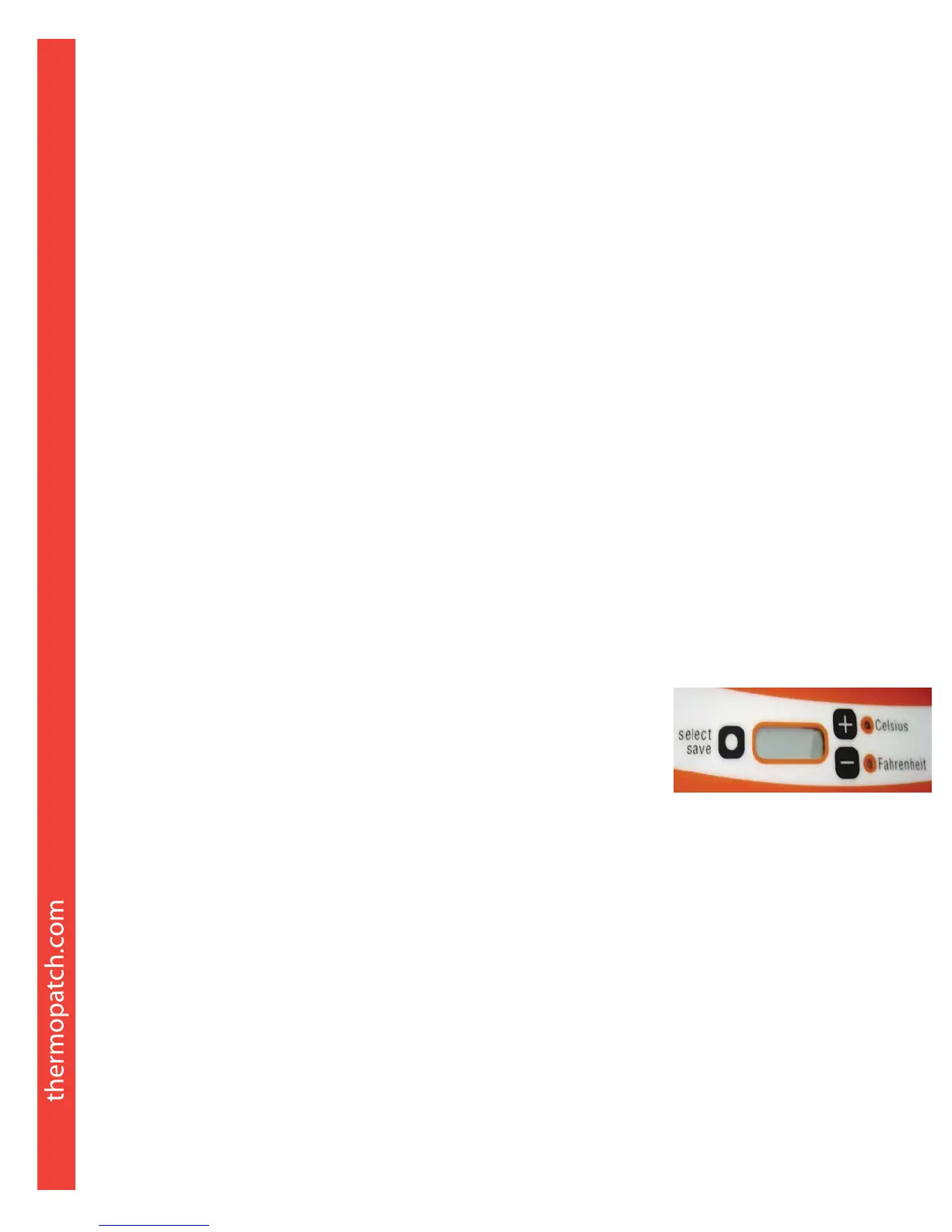
LCD Panel Functions
The following describes the LCD Display functions:
The Celsius or Fahrenheit LED will light up
continuously once the temperature is
within range of the setting. Range is
+/- 15°F and +/- 7°C.
When not in a sealing cycle, the actual
temperature of the Heater Element is displayed.
During the sealing cycle, the LCD will display a countdown of the time in seconds
from the preset Sealing Cycle Time.
The machine has been factory preset to:
Temperature: 400°F (204°C)
Sealing Time: 12 seconds
Power Saver Timer: 30 minutes
Power Saver Temperature: 302°F (150°C)
1. To adjust settings, press the select/save button:
1 time to adjust Temperature.
2 times to adjust Sealing Cycle Time.
3 times to adjust Preset Power Saver Time. Setting the Power Saver Time to
“0” disables the Power Saver.
4 times to change Power Saver Temperature. Thermopatch does not
recommend changing the default setting.
2. Press + or
-
to adjust to your desired setting.
3. Press select/save immediately to save the setting.
4. To change display between Celsius and Fahrenheit, hold the + and
-
buttons
until the LED changes.
2. Machine Settings



 To Next Page