EN
EN
Two Buttons
°C/°F: Press once to change the temperature display
unit in °C or °F.
-6-
-7-
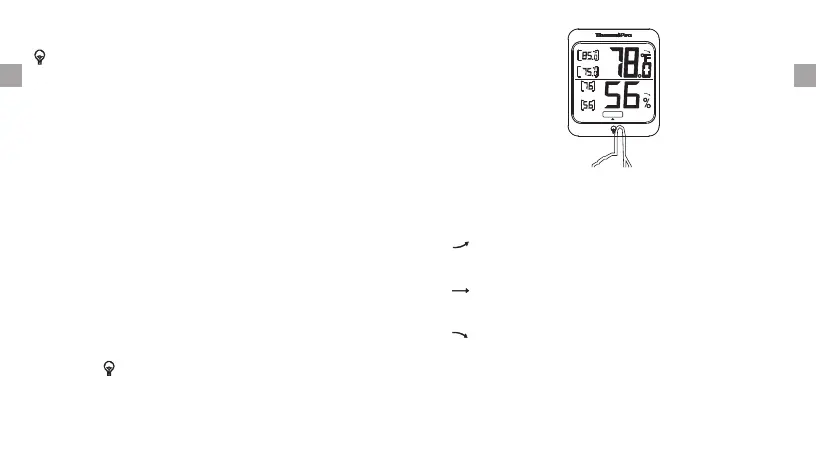
: Touch once to turn on/off backlight.
Touch Button
ALL TIME/24 HRs: Press it to show the maximum and
minimum temperature and humidity recorded since
last reset (ALL TIME option) or in the past 24 hours
since last reset (24 HRs option).
Press and hold “ALL TIME/24 HRs” button for 3
seconds to reset/clear all the maximum and minimum
temperature and humidity recorded.
Backlight
Touch the “ ” to activate the backlight, then
again to turn it off. If you do not touch the button for
15 seconds, it will automatically turn off the backlight.
touch it
Temperature & Humidity Trend
1. indicates the temperature & humidity is in
increasing trend.
an
2. indicates the temperature & humidity is in a no
change trend.
3. indicates the temperature & humidity is in a
decreasing trend.
high
LOW
all time
high
LOW
DRY COMFORT WET


 To Next Page