8
EN
Installation manual: Fitting the water heater
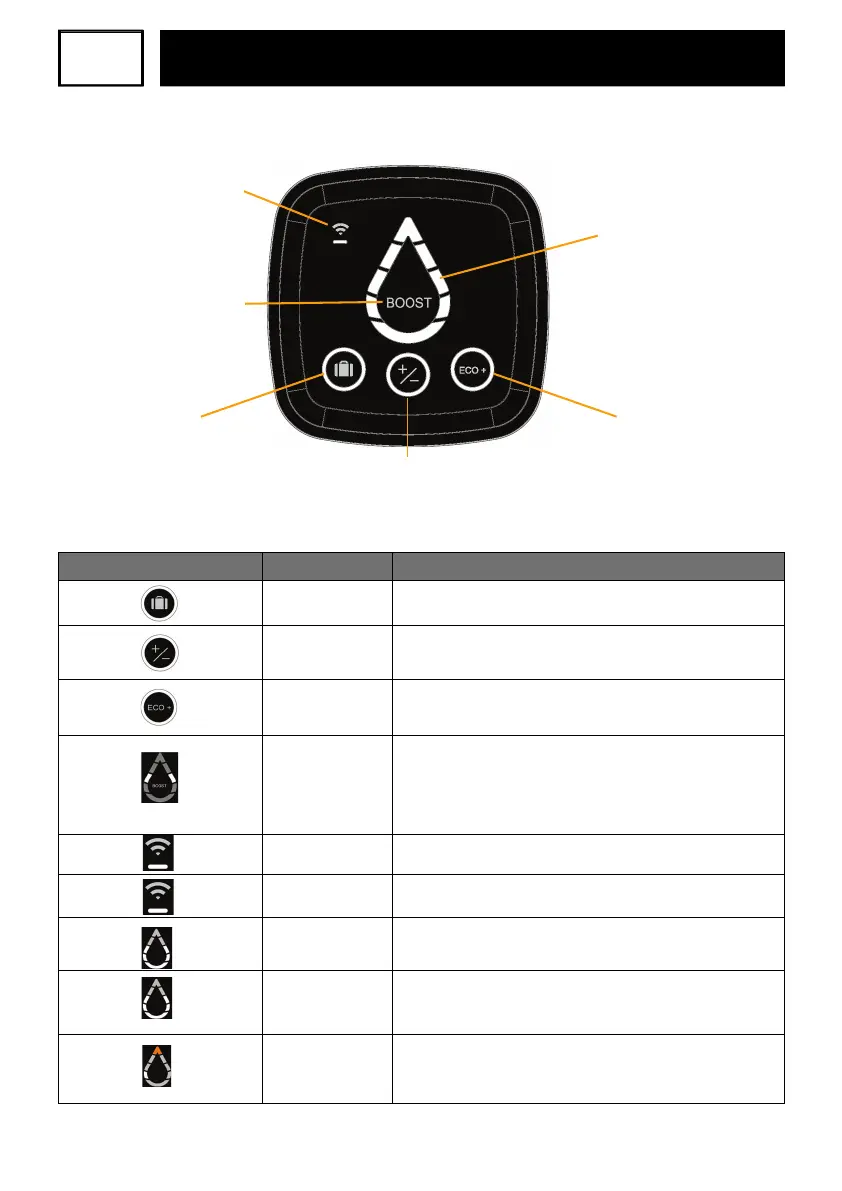
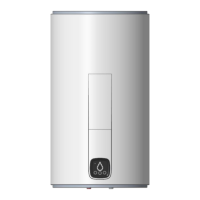
4. Control interface (HMI)
Absence mode
(Anti-freezing)
WIFI Touch button
BOOST Mode
Manual Mode
Available hot water and
heating indicators
(Water Drop)
ECO+ mode
PLEASE NOTE: If the device is inactive for 60 seconds, the LED indicators of the WaterDrop
will be turned off and the circle around the selected mode (and the WIFI LED if theproductis
connected) will start to blink on the HMI. The indication on the Water Drop will be
reactivated if a button is used or if the appliance is heating.
Indicators
Indicator status
Meaning
On
Absence mode activated: The water heater is frost-protected
(7°C). The BOOST function is deactivated.
On
Manual mode selected:
To set the temprature of hot water, touch the buttons until the
desired level is selected on the Water Drop LEDs (5 levels available).
On ECO+ mode activated; the water heater starts reading
consumption to adapt to the needs of the user and ensure energy
savings, whilst guaranteeing comfort levels.
Segments of
the water drop
lightening one after
another
The BOOST function is activated by a quick press. Activating
theBOOST mode sets the heating temprature to the Max
level for 1 hour. After the heating is done, the appliance will
return to the mode that was selected before activation of the
BOOSTmode.
Blinking
Water heater pairing in progress.
On
Paired water heater connected.
On
The appliance is not heating water. The lit segments show the
quantity of the available hot water.
Blinking
The appliance is heating water to reach the required level.
Thefixed lit segments show the quantity of available hot water.
Top segment is lit
inorange
The appliance is malfunctioning. Check the list of error codes
below or contact the after-sales services


 To Next Page