17
a
w
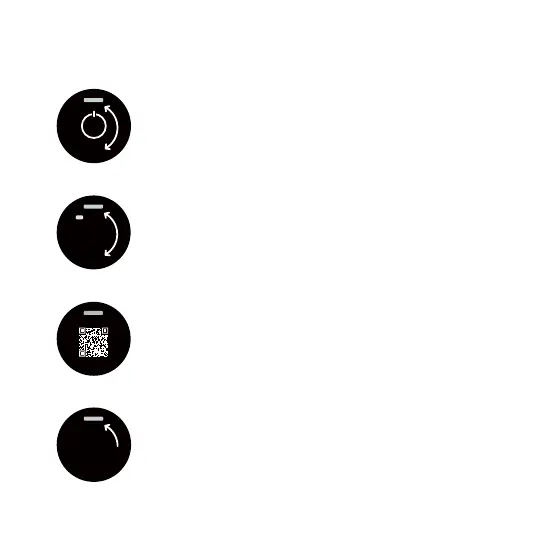
Power off
This is how you turn the thermostat off. Turn the
dial to switch it back on again.
Sensor mode
This screen shows you which sensor mode is active.
You can change sensor modes in the BT21 app.
Floor - Floor temperature, Room - Air temperature,
Dual - Air temperature with oor limit, PWM - Sensor is disabled,
Melt - Snow melting mode (requires external wireless sensor)
QR code
Scan this code with your phone to access our
support documentation and tutorial videos.
Exit
Takes you back to the main screen..



 To Next Page