19
Setting up a heating schedule
This is going to be so much easier than you‘re expecting!
First you need to use the dial on the thermostat to set your Comfort and Eco
temperatures. With the BT21 you only have to set the temperatures once.
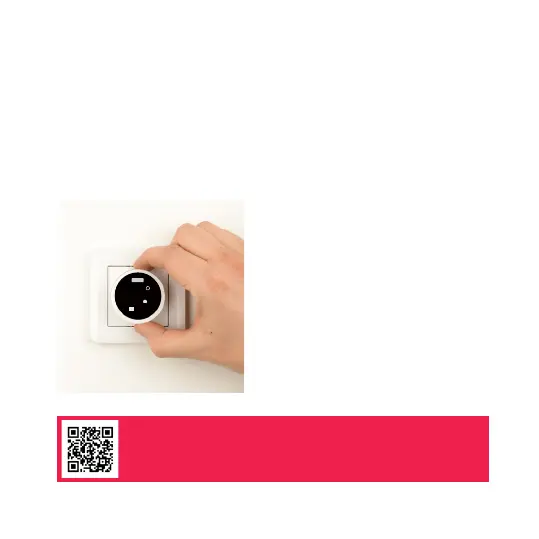
1. Turn the dial to activate the display.
3. Tap the SET button to enter the
thermostat menu.
2. Turn the dial to set the Comfort
temperature. This is the temperature
you‘d like your heating to reach.
COM ECO
Scan here to watch the schedule set up and
app settings guide video



 To Next Page