25
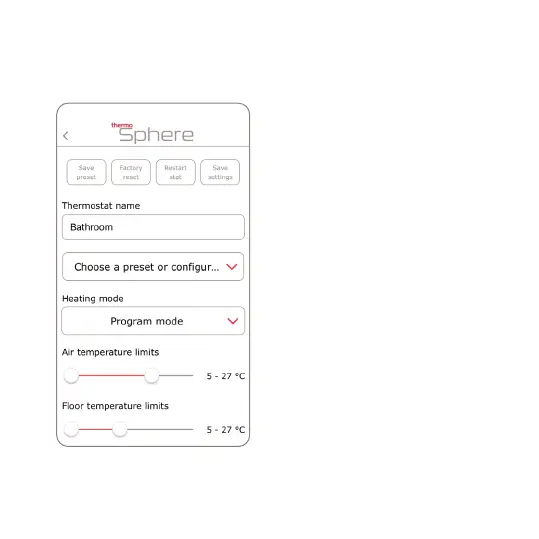
Save preset: Save your heating
schedule and all settings as a preset
that you can copy to all of your other
thermostats.
Factory reset: Erase the thermostat
and go back to factory settings.
Restart stat: This restarts the
thermostat software.
Save settings: Save the changes you
just made in the app. Remember to
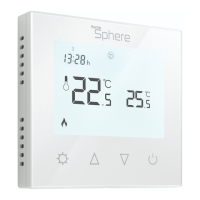
conrm on the thermostat dial.
Thermostat name: Give your
thermostat a name.
Choose a preset: Apply one of your
presets to the thermostat.
Heating mode: Choose between
Manual or Program mode.
Air & Floor temperature limits: Set
an upper and lower hard limit for the air
and oor temperatures.



 To Next Page